Data-driven decision-making is no longer optional. As organisations move away from intuition-led choices, the platforms they use for analytics directly influence agility, cost efficiency, and AI readiness. For small and medium-sized businesses especially, choosing between Microsoft Fabric vs Power BI is not just a technical decision it is a strategic one.
With Microsoft shifting toward unified, cloud-native analytics, understanding Fabric vs Power BI differences, AI capabilities, and real-world use cases helps businesses invest wisely. This guide breaks down how both tools work, when to use each, and how they complement one another.
 Kloudify Helps with a Free Consultation on Your Business Analytics Plan
Key Takeaways:
- Power BI delivers quick, accessible insights through self-service dashboards and reports for business users.
- Microsoft Fabric provides the enterprise-scale data and AI foundation, unifying data engineering, governance, and advanced analytics.
- Together they enable end-to-end analytics, from raw data to executive dashboards, without data duplication.
- Start with Power BI for fast value, then adopt Fabric as data volume, AI needs, and governance requirements grow.
Microsoft’s Analytics Stack: Setting the Context
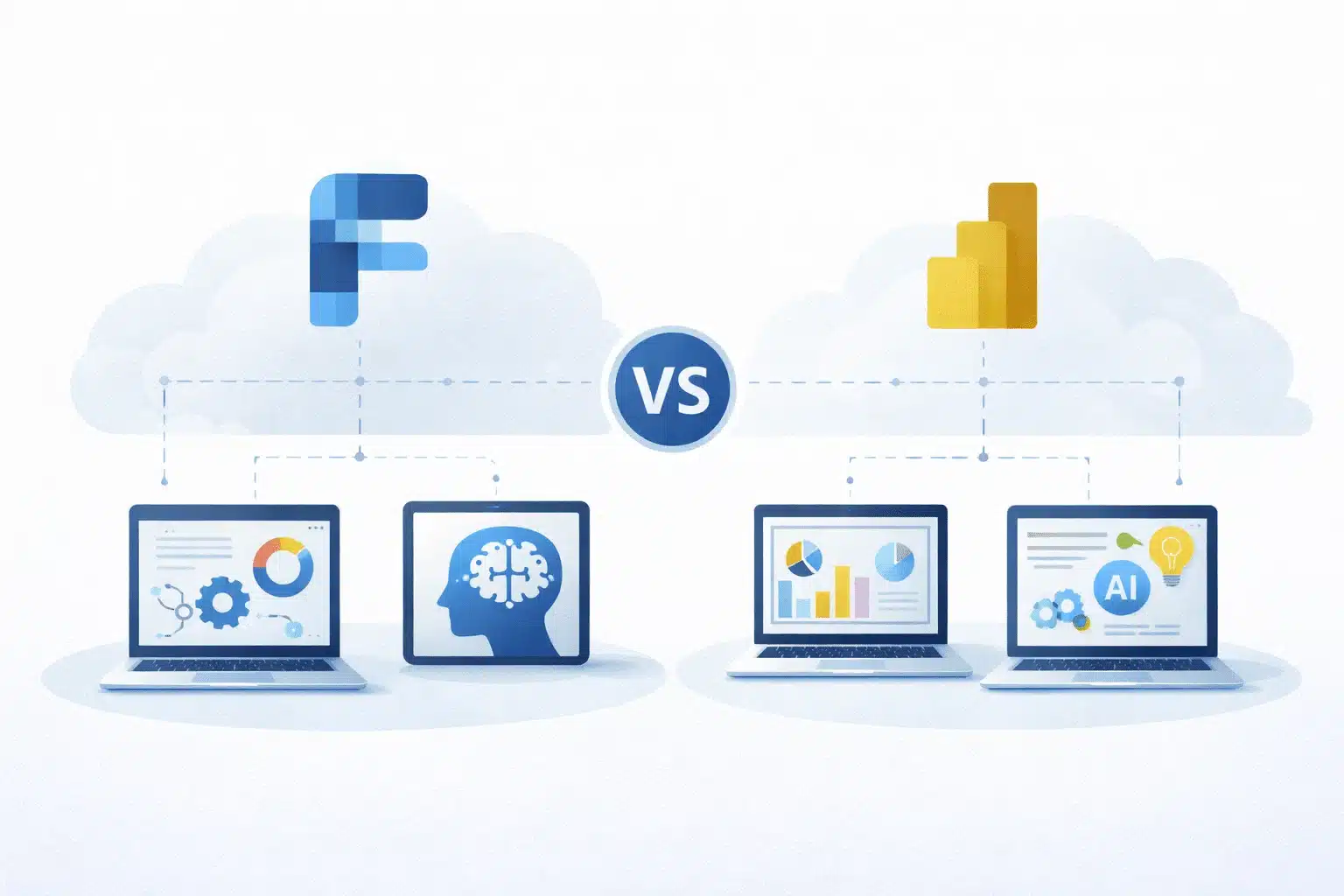
Microsoft Fabric and Power BI are not competing products; they are connected layers within Microsoft’s modern analytics ecosystem.
Microsoft Fabric is the end-to-end analytics platform. It unifies data engineering, integration, warehousing, data science, real-time analytics, and governance into a single SaaS experience built on OneLake, Microsoft’s unified data lake.
Power BI is the business intelligence and visualisation layer within this ecosystem. It enables users to model, analyse, and visualise data—often stored in Fabric—without moving or duplicating it. With capabilities like Direct Lake mode, Power BI can query Fabric data in near real time.
In simple terms:
- Fabric prepares, governs, and enriches data
- Power BI delivers insights to business users
This tight integration is why the Power BI fabric relationship is central to Microsoft’s analytics strategy.
What Is Microsoft Fabric?
Microsoft Fabric is a unified analytics platform designed to eliminate data silos and reduce complexity across enterprise analytics workflows.
It brings together capabilities previously spread across Azure Synapse Analytics, Data Factory, and Power BI into a single, governed experience.
Key Components of Microsoft Fabric
- OneLake: A single, centralised data lake for the organisation
- Integrated services: Data engineering, data science, real-time analytics, and BI in one platform
- AI-powered analytics: Built-in machine learning and Copilot experiences
- Cloud-native architecture: Fully managed, scalable, and secure on Azure
Microsoft Fabric Use Cases
- Creating a unified enterprise data foundation
- Supporting advanced analytics and AI workloads
- Enabling real-time operational intelligence
- Enforcing organisation-wide data governance and lineage
Fabric is best suited for organisations with complex data environments or long-term AI and analytics ambitions.
What is Power BI?
Power BI is Microsoft’s flagship business intelligence tool, designed to make analytics accessible to everyone—from executives to frontline users. While Fabric focuses on data management at scale, Power BI excels at turning data into insights through dashboards and reports.
Core Power BI capabilities
- Self-service analytics for non-technical users
- Rich visualisations for KPIs, trends, and performance tracking
- Deep Microsoft ecosystem integration (Excel, Teams, Fabric)
- Flexible deployment across cloud and on-premises data sources
Power BI Use Cases
- Financial and KPI reporting
- Department-level dashboards
- Executive summaries and scorecards
- Fast analytics without building a full data platform
Power BI is ideal for SMBs and teams that need quick, cost-effective insights with minimal setup.
Microsoft Fabric Vs Power BI: Key Differences & Use Cases
| Business Scenario | Microsoft Fabric | Power BI |
| Data structure | Organisations with data spread across multiple systems, platforms, and sources | Businesses with data from a limited number of well-structured sources |
| Data requirements | Building a unified, enterprise-wide data foundation that supports analytics and AI | Visualising existing datasets without building a full data platform |
| Real-time insights | Real-time or near real-time analytics for operational decision-making | Periodic dashboard refreshes and near real-time reporting |
| AI &ML | Predictive analytics, machine learning, and AI-driven insights at scale | Visualising outputs from AI or analytics models |
| Data governance | Enterprise-wide governance, security, lineage, and access control | Governance at the report and dataset level |
| Analytics scalability | Scaling analytics across departments and the organisation | Department-level or team-based analytics |
| Reporting | More capability than required for simple reporting needs | Finance, sales, HR, and operations reporting |
| Self-service analytics | Primarily managed by data and IT teams | Business users creating and exploring reports independently |
| Financial & KPI reporting | Complex financial data integrated from multiple systems | Tracking financial KPIs, budgets, and performance metrics |
| Executive dashboards | Feeding governed, enterprise-grade data into leadership views | High-level dashboards for executives |
| Business size | Mid-sized to large organisations with complex data ecosystems | SMEs or individual departments within larger organisations |
| Speed to insight | Higher setup effort with long-term strategic value | Fast deployment and quick access to insights |
Microsoft Fabric Vs Power BI: Key Differences- AI Features
| Feature | Microsoft Fabric | Power BI |
| Azure AI integration | Deep, platform-wide Azure AI integration | Selective AI features embedded in reporting |
| Machine learning | Advanced ML via Synapse Analytics and Azure AI | AutoML for basic predictive scenarios |
| Real-time intelligence | Data Activator enables real-time insights and actions | Limited to anomaly detection in reports |
| Data transformation | AI-powered data engineering and transformation tools | AI-assisted data preparation via Power Query |
| Natural language queries | Copilot integrated across Fabric experiences | Q&A and Copilot for conversational analytics |
| Pattern detection | Advanced pattern recognition using ML | Automatic trend /pattern detection |
| Anomaly detection | Built into advanced analytics and monitoring workflows | Native anomaly detection in visuals |
| Target users | Data engineers, data scientists, IT teams | Business users and analysts |
How Do Microsoft Fabric and Power BI Work Together?
Microsoft Fabric establishes the enterprise data foundation using OneLake. Data is ingested, transformed, governed, and enriched using Fabric services such as Data Factory and Synapse.
Power BI then connects directly to Fabric datasets using Direct Lake mode, eliminating data duplication and performance bottlenecks.
This creates a seamless analytics flow:
- Fabric manages and prepares data
- AI and Copilot enhance insights
- Power BI delivers dashboards and reports
Together, they provide end-to-end analytics within Microsoft’s secure cloud.
Recommended Read: How to Build a Data Analytics Reporting Strategy
Choosing Between Power BI and Microsoft Fabric
Start with Power BI if:
- You are an SMB or department
- You need quick insights and dashboards
- Your data environment is simple
- You want fast ROI with minimal setup
Use Microsoft Fabric if:
- Your data is spread across multiple systems
- You need enterprise governance and lineage
- AI and predictive analytics are priorities
- You are building a long-term analytics platform
For most businesses, the best approach is starting with Power BI and adopting Fabric as needs evolve.
Why Kloudify for Microsoft Fabric and Power BI?
Kloudify is a Microsoft-certified partner in Australia specialising in Power BI, Azure Synapse, and Microsoft Fabric.
We help businesses:
- Assess data maturity and analytics readiness
- Implement Power BI for quick business value
- Design scalable Fabric architectures for AI and governance
- Embed Copilot and predictive analytics into reporting
- Eliminate tool sprawl while controlling costs
Our approach ensures analytics investments deliver both immediate insights and long-term AI readiness.
Ready to unlock AI-driven analytics without complexity? Let’s get started.
Key Questions Answered
What is the difference between Microsoft Fabric and Power BI?
Microsoft Fabric is an end-to-end analytics platform that manages data, AI, and governance. Power BI is the business intelligence layer used to visualise and analyse data.
When should businesses use Microsoft Fabric instead of Power BI?
Businesses should use Fabric when they need enterprise-scale data management, advanced AI features, and unified governance across multiple data sources.
Can Power BI be used without Microsoft Fabric?
Yes. Power BI works independently with many data sources. Fabric becomes valuable as data complexity and AI needs increase.
How do Microsoft Fabric and Power BI work together?
Fabric prepares and governs data in OneLake, while Power BI connects directly to it for fast, interactive reporting.
What are common Microsoft Fabric use cases?
Enterprise data platforms, AI-driven analytics, real-time intelligence, and organisation-wide governance.