Enterprise transformation leverages everyday business data, such as emails, documents, images, calls, transactions, and sensor streams, into decisions and actions that happen faster, with fewer manual steps. AI transformation is about choosing the right AI capability, connecting it to real workflows, and rolling it out safely for users.
We shall now discuss an enterprise-friendly roadmap for implementing Azure AI services-what they are, where they fit, how to deploy them step by step, and how to avoid common implementation traps. The basics first.
What are Azure AI Services?
Azure AI services are a portfolio of cloud-based capabilities that help organisations build intelligence into products, operations, and customer experiences without having to start from scratch every time. They cover:
- Ready-to-use AI via APIs (great for quick wins)
- Custom machine learning for business-specific predictions and optimisation
- Generative AI for summarising, drafting, searching, and conversational experiences that are built for enterprise security and scale
The main advantage in the enterprise context is flexibility: you can start small with pre-built services, then evolve into custom models and deeper automation as your data maturity grows.
SUGGESTED READ –

What are the Three Pillars of Azure AI, and When Can they be Used?
1) Azure AI (Cognitive) Services: “Add intelligence fast”
These are pre-built models you can plug into apps and workflows via APIs. They work well when you want quick deployment and reliable baseline performance without extensive model training. Common uses include:
- Reading text from documents (OCR)
- Extracting fields from invoices/forms
- Detecting sentiment in customer feedback
- Recognising objects/defects in images
- Moderating content
2) Azure Machine Learning: “Build models unique to your business”
Azure ML is for teams that need tailored models trained on proprietary data—such as forecasting demand, predicting churn, or detecting fraud patterns unique to their environment. It also supports MLOps practices (versioning, monitoring, retraining), which matters when models run in production.
3) Azure OpenAI Service: “Use generative AI responsibly at enterprise scale”
This is where organisations use large language models for:
- Internal knowledge assistants (policy, HR, IT, project knowledge)
- Customer support copilots
- Document summarisation and drafting
- Natural language querying of data
The reason enterprises gravitate here is simple: it’s designed for controlled deployment, governance, security, and scaling are built in.
Let’s Map: Business Goals → the Right Azure AI Service
| Business goal | Best Azure AI service | Example outcome |
| Faster customer support | Azure OpenAI + Language services | Shorter response times, better first-contact resolution |
| Document processing at scale | AI Vision + Document Intelligence | Faster invoice processing, fewer manual errors |
| Predictive operations | Azure Machine Learning | Maintenance prediction, demand forecasting |
| Quality inspection | Custom Vision / Vision services | Detect defects early, reduce rework |
| Smarter knowledge access | Azure OpenAI + search layer | Find answers across policies, docs, and tickets |
| Risk detection | Anomaly detection + Azure ML | Identify unusual activity before impact |
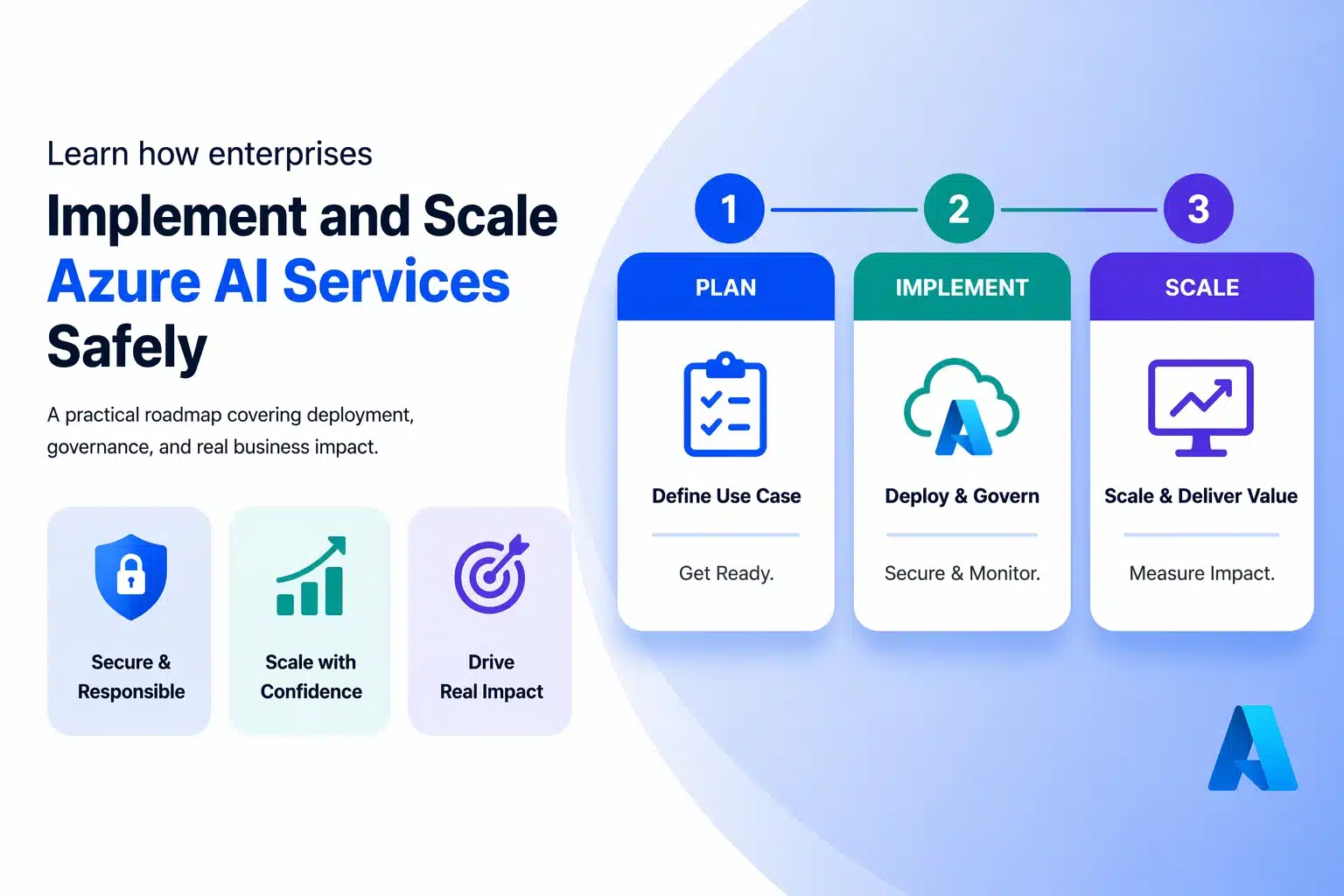
A Step-by-Step Roadmap to Implementing Azure AI for Transformation
This AI implementation roadmap for enterprises focuses on moving from pilot to production without introducing unmanaged risk.
Step 1: Start with a Business Outcome (not a feature)
AI projects succeed when the goal is clear enough to measure. A good outcome isn’t “use AI in operations.” It’s:
- “Reduce invoice processing time from 3 days to 4 hours”
- “Cut IT ticket resolution time by 25%”
- “Reduce unplanned downtime by 15%”
Tip: If you can’t define what changes in day-to-day work, it’s not a transformation project yet; it is still experimentation.
Step 2: Audit your data reality (gently, but honestly)
Most enterprise AI delays aren’t model problems. They are data problems:
- Data exists, but it’s scattered across systems
- Labels are inconsistent
- Access is unclear (and rightly controlled)
- People don’t trust the data
A light-weight data audit should answer:
- Where is the data stored?
- Who owns it?
- How clean is it?
- What is sensitive and needs protection?
- What can be used for training, and what should never leave controlled boundaries?
Step 3: Choose the quickest valuable path (Cognitive → OpenAI → ML)
A practical enterprise pattern is:
- Start with pre-built AI for fast wins
- Add generative AI where language and knowledge work dominate
- Build custom ML when a competitive advantage requires it
This reduces time-to-value and helps internal teams build confidence.
Step 4: Prototype in a pilot that mirrors real work
A pilot should be:
- Narrow enough to deliver in weeks
- Real enough to be used by a real team
- Measurable enough to prove value
Avoid pilots that are “demo perfect” but disconnected from operations.
Step 5: Integrate AI into workflows, not dashboards
The biggest adoption mistake is building AI outputs that live “somewhere else”.
Instead:
- Put AI insights in the tools people already use
- Trigger actions automatically when confidence is high
- Route edge cases to humans (with context and explanations)
A strong workflow design often looks like:
- AI suggests → human confirms → system updates
- AI handles routine → human handles exceptions
- AI drafts → human approves → AI logs outcomes
Step 6: Deploy with monitoring and a feedback loop
A successful Azure AI deployment strategy treats rollout, monitoring, and governance as first‑class requirements. AI isn’t “set and forget.” In production, you need:
- Usage monitoring (are people adopting?)
- Accuracy monitoring (is output still correct?)
- Drift monitoring (did data patterns change?)
- Governance monitoring (is sensitive data handled correctly?)
What to Monitor After Go-Live
| What to monitor | Why it matters | Simple indicator |
| Adoption | No usage = no transformation | Weekly active users/workflow completion |
| Quality | Bad outputs erode trust fast | Review samples, error rates, escalation rates |
| Drift | Models degrade when reality changes | Accuracy trends, re-train triggers |
| Risk | AI can expose data if unmanaged | Access logs, prompt controls, and content filters |
| ROI | Keeps leadership aligned | Time saved, reduced costs, better outcomes |
Where Does Azure AI Deliver Measurable Enterprise Impact?
Customer experience that feels personal (without manual effort)
With generative AI and language services, teams can:
- Summarise customer history before a call
- Draft responses that follow policy tone and structure
- Route escalations based on intent and urgency
Operations that run smoother (and break less often)
Using ML + anomaly detection:
- Predict downtime earlier
- Detect unusual system patterns
- Trigger preventive actions before failure becomes visible
Back office that moves faster
With document intelligence + automation:
- Extract and validate key fields
- Reduce rework caused by manual errors
- Speed up approvals with better data completeness
Security, governance, and responsible AI (the enterprise deal-breakers)
AI introduces new risks if not controlled:
- Sensitive data leaking through prompts or outputs
- Over-permissioned access to internal knowledge
- Lack of auditability (“Why did it respond that way?”)
- Bias in training data
Practical guardrails include:
- Clear data classification and access controls
- Least privilege for apps and service identities
- Logging and review of high-risk usage patterns
- Human approvals for sensitive actions
- Regular model and workflow reviews
Common Implementation Mistakes (and how to avoid them)
| Mistake | What it looks like | Better approach |
| Starting with tools | “We want a chatbot” | Start with a measurable business outcome |
| Ignoring data quality | AI outputs inconsistent | Fix quality issues early; define source-of-truth |
| Building AI in isolation | Great demo, zero adoption | Embed into real tools and workflows |
| No governance | Risk surprises later | Define policies, access, and auditability upfront |
| No feedback loop | Model degrades silently | Monitor + refine continuously |
Why Choose Kloudify for Azure AI services Implementation?
Kloudify helps enterprises move from “AI ideas” to working, governed solutions on Azure. We focus on outcomes first, understanding the use case, assessing data readiness, selecting the right Azure AI services, and integrating them into real workflows so adoption sticks.Just as importantly, we build with enterprise guardrails: security, identity controls, monitoring, and practical governance so your AI solutions scale safely. If your goal is business transformation, Kloudify brings the structure, technical depth, and implementation discipline to make Azure AI deliver measurable impact.