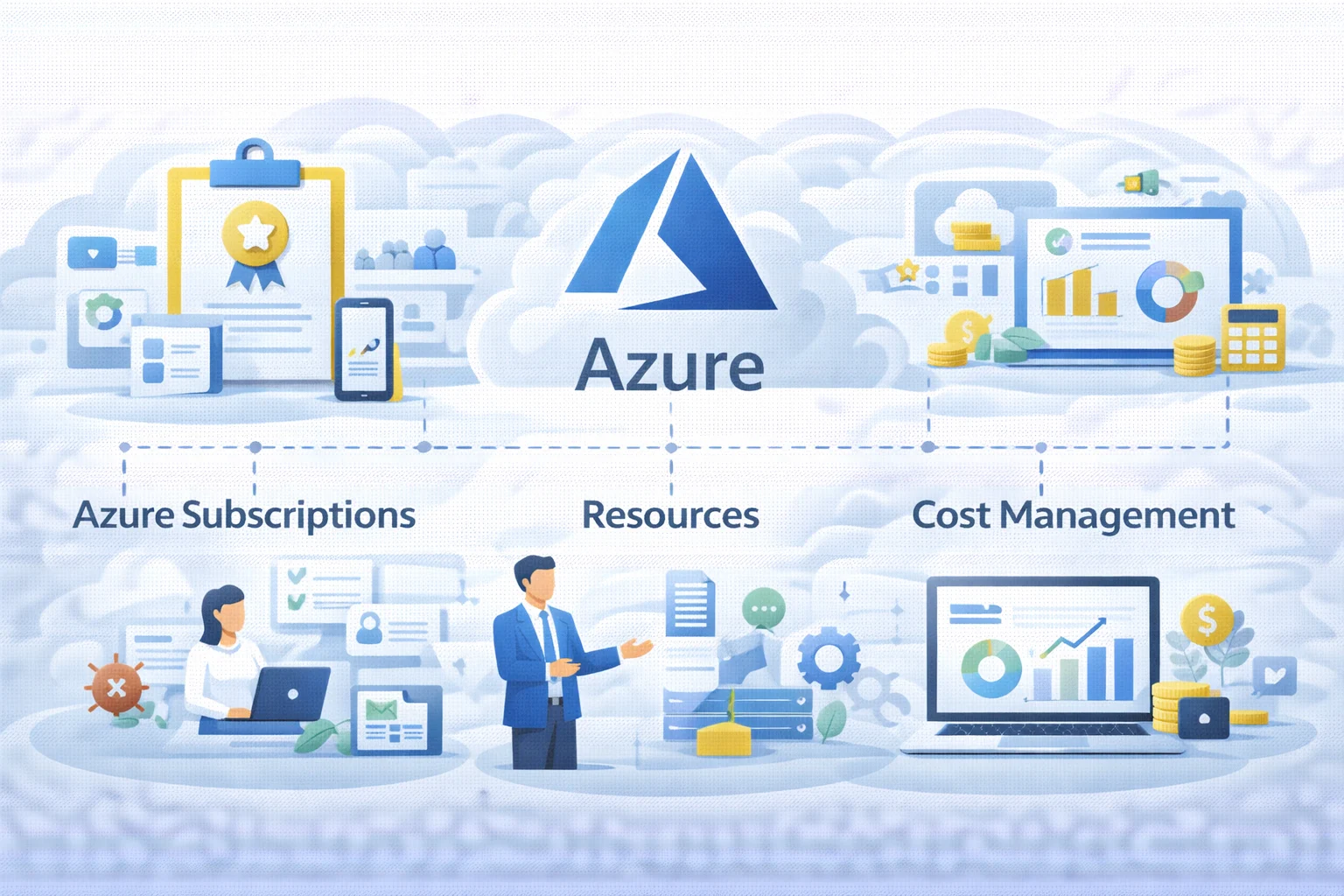
Running workloads in Microsoft Azure becomes much easier when you understand three core building blocks: Azure subscriptions, Azure billing, and Azure resources.
These elements define how organisations:
- Deploy and organise cloud services
- Manage access and permissions
- Track and control cloud costs
As environments grow from a few workloads to multiple teams and applications, understanding Azure billing and resource management becomes essential.
This guide explains how the Azure billing model works, breaks down the fundamentals in a simple, structured way so SMBs and growing teams can build an Azure setup that stays organised, secure, and budget-aware. The basics first.
What is an Azure Subscription?
An Azure subscription is the primary billing and management boundary within Microsoft Azure.
It is the container that holds all your Azure resources such as:
- Virtual machines
- Databases
- Storage accounts
- Virtual networks
- Analytics services
Every resource deployed in Azure must exist within a subscription, and Azure subscriptions and billing are directly connected because each subscription links to a payment method and billing scope. Think of it like a city-
- The tenant (Microsoft Entra ID) is the country you operate under (identity and security).
- The Azure Subscription is the city boundary (billing + access + quotas).
- Resource groups are neighbourhoods (organising resources).
- Azure resources are the actual buildings (services you deploy).
Without an Azure subscription, no services can be deployed in Azure.
Common Azure Subscription Types
Organisations choose subscription models depending on usage needs and scale.
Pay-As-You-Go
- Most flexible model
- Common for SMBs and startups
- Pay only for resources consumed
Enterprise Agreement (EA)
- Used by larger organisations
- Based on committed spend agreements
Free / Trial Offers
- Ideal for experimentation and learning
- Limited resources and credits
Why do Azure Subscriptions Matter?
An Azure subscription is not just a billing account it defines key governance boundaries.
Within a subscription you control:
- Azure billing scope (cost tracking and invoices)
- Access control scope using RBAC
- Service quotas and limits
- Governance policies and compliance controls
Poorly structured subscriptions often lead to Azure billing complexity and unexpected cloud costs, particularly when environments grow.
Understanding the Azure billing model explained through subscription boundaries helps organisations keep cloud spending predictable.
An Azure subscription is not just a billing account it defines key governance boundaries.
Within a subscription you control:
- Azure billing scope (cost tracking and invoices)
- Access control scope using RBAC
- Service quotas and limits
- Governance policies and compliance controls
Poorly structured subscriptions often lead to Azure billing complexity and unexpected cloud costs, particularly when environments grow.
Understanding the Azure billing model explained through subscription boundaries helps organisations keep cloud spending predictable.
Azure Billing Basics: How Does Azure Billing Work?
Azure uses a consumption-based billing model, meaning organisations pay for the resources they use.
The most common cost drivers include:
Compute Usage
Charges occur when compute resources run.
Examples:
- Virtual machine running hours
- Azure Databricks clusters
- Synapse compute pools
Storage Consumption
Costs depend on the amount of data stored.
Examples:
- Storage accounts
- Backup vaults
- Managed disks
Network Usage
Network costs occur for data transfers.
Examples:
- Data egress
- Cross-region transfers
Service Operations
Certain services charge per transaction.
Examples:
- API calls
- Database operations
- Queue messages
The core principle behind Azure billing and resource management is simple: Azure resources generate costs when they run, store data, or process workloads.
Even small environments can accumulate costs if idle services such as virtual machines or analytics clusters remain running.
What Are Azure Resources?
Azure resources are the individual services deployed in Azure.
Examples include:
- Azure Virtual Machines
- Azure SQL Database
- Storage Accounts
- Virtual Networks
- Azure Backup vaults
- Azure Kubernetes Service (AKS)
- Microsoft Sentinel workspaces
Every Azure resource must exist within:
- A subscription
- A resource group
- A region
Because of this structure, subscriptions act as the top-level container for Azure billing and resources.
Resource Groups: The Organiser Inside an Azure Subscription:
A resource group is a logical container that helps you organise Azure resources by application, environment, or business purpose. Further:
A good structure simplifies cost management and security. For example:
- Subscription: Production
- Resource Group: rg-crm-prod
- Resource Group: rg-finance-prod
- Subscription: Development
- Resource Group: rg-crm-dev
- Resource Group: rg-finance-dev
How Do Resource Groups Help with Azure Billing?
Azure Cost Management can break down spending at several levels:
- Subscription
- Resource group
- Individual resource
- Tag level
If all services are placed into a single resource group, cost visibility becomes difficult, making optimisation harder.
Proper resource grouping improves Azure billing and resource management transparency.
Azure Subscription Vs Resource Groups
| Area | Azure Subscription | Resource Group |
| Main role | Billing, access, and quota boundary | Organises related Azure resources |
| Billing visibility | Top-level cost and billing scope | Shows application or environment-level costs |
| Access control | RBAC can be applied at the subscription level | RBAC can also be applied at the resource group level |
| Typical use | Separates business units, environments, or billing models | Separates applications, projects, or workloads |
Use subscriptions for big boundaries (billing/security/teams) and use resource groups for logical app organisation within a subscription.
Best Practices for a Suitable Azure Subscription Structure
1) Use Multiple Subscriptions When it Helps
Common reasons include:
- Separating production and non-production environments
- Splitting departments or cost centres
- Isolating sensitive workloads
- Managing access for different teams
For many SMBs, a practical starting structure is:
- Production subscription
- Non-production (Dev/Test) subscription
2) Apply Role-Based Access Control (RBAC) Intentionally
RBAC is how you control who can do what. Role-Based Access Control determines who can access or modify resources.
Recommended approach:
- Most users → Reader
- Deployment engineers → Contributor at resource group level
- Only a small admin group → Owner
Just-in-time administrative access can further improve security.
3) Use Tagging for Billing Clarity as they Help Attribute Costs to Business Meaning
Example tags: Application = CRM
Environment = Production
Owner = Finance Team
Cost enter = AU-OPS
Tagging improves cost reporting without requiring architectural changes.
4) Create Budgets and Alerts Early
Azure Cost Management supports:
- Monthly or quarterly budgets
- Automated cost alerts
- Email notifications when thresholds are reached
These controls help prevent unexpected Azure billing spikes.
Azure Billing Controls That Help Reduce Waste
Certain patterns commonly lead to unnecessary Azure spending.
Typical examples include:
- Always-running compute services
- Unused resources left after projects end
- Oversized infrastructure
- Development workloads using production-level capacity
- Lack of governance (no tagging, budgets, or cost tracking)
Practical controls include:
- Scheduling shutdown for non-production virtual machines
- Auto-pausing compute services where supported
- Performing monthly resource clean-ups
- Using smaller SKUs for dev/test workloads
- Separating dev/test environments from production
These practices improve Azure billing and resource management efficiency.
How Does Kloudify Help You with Azure Subscriptions?
Azure costs often increase when governance is missing. Many overruns happen because of:
- Poor subscription design
- Weak tagging practices
- Uncontrolled compute usage
Kloudify helps SMBs in Australia build a structured Azure environment with:
- Scalable Azure subscription architecture
- Complete Azure billing visibility and dashboards
- RBAC-based security guardrails
- Continuous optimisation of running resources
If Your Goal is to Adopt Azure Confidently without Billing Surprises, Partner with Kloudify Right Away.