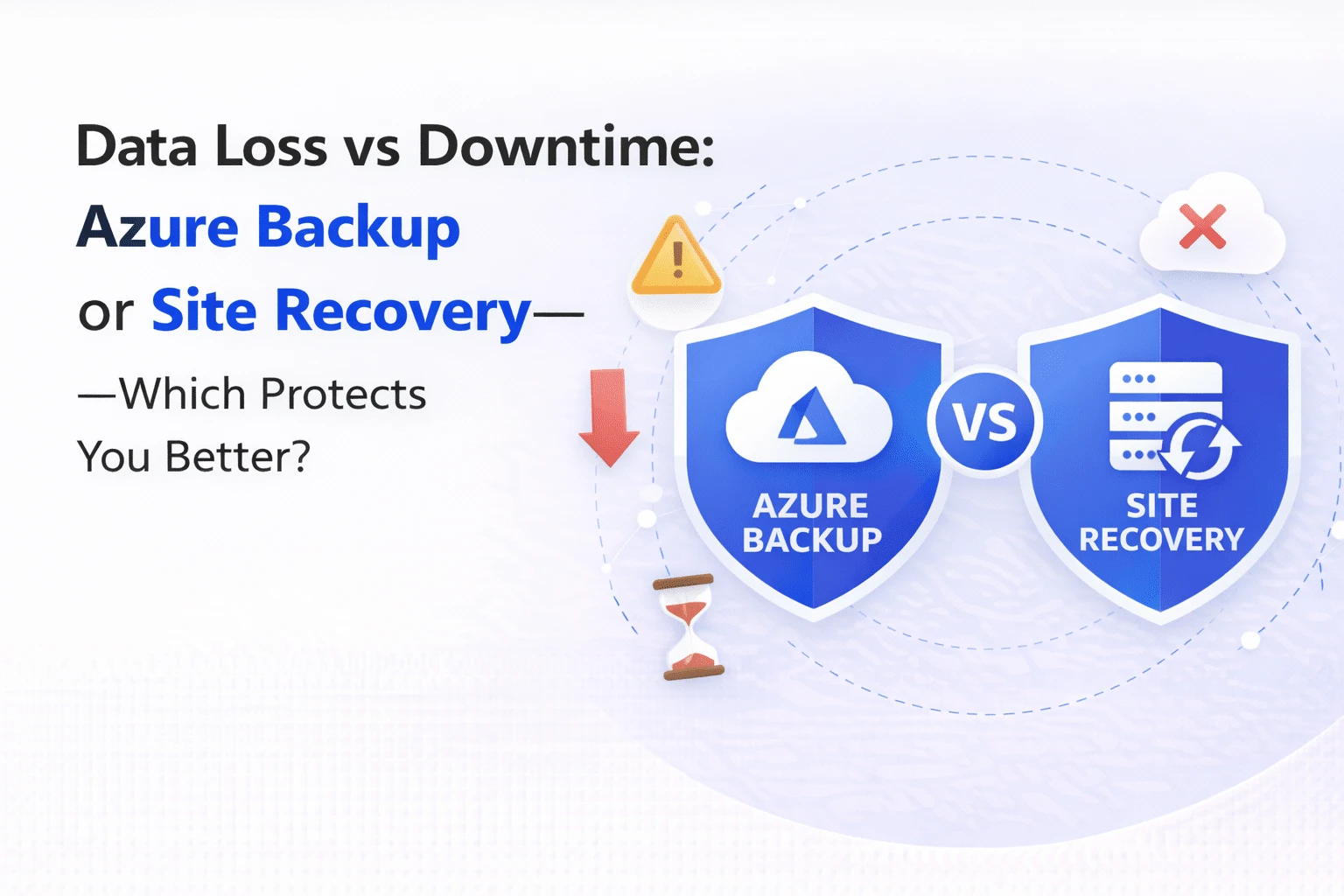
Azure Backup and Azure Site Recovery serve different purposes in cloud resilience. Azure Backup protects data by creating secure copies for recovery, while Azure Site Recovery ensures business continuity by replicating entire systems and enabling failover during outages. Together, they form a complete disaster recovery strategy.
Introduction
It’s a common assumption that backing up data is enough to protect a business from disruptions. In reality, most outages don’t just require data recovery; they require systems to keep running.
This is where the comparison of Azure Backup vs Azure Site Recovery becomes important.
While both services are part of Microsoft Azure’s resilience ecosystem, they solve very different problems. One focuses on protecting data, while the other ensures business continuity in the event of failures.
For IT leaders, the challenge is not choosing one over the other but understanding when and how to use each effectively.
Understanding the Role of Backup Vs Disaster Recovery:
Before comparing features, it helps to step back and look at the bigger picture: business continuity and disaster recovery (BCDR).
Backup is about recovering data after it has been lost, corrupted, or deleted. Disaster recovery, on the other hand, is about keeping systems operational when infrastructure fails. Azure Backup and Azure Site Recovery map directly to these two needs.
Azure Backup ensures that your data is safe and recoverable. Azure Site Recovery ensures that your applications and workloads continue to run, even during outages.
This distinction is critical because many organisations realise too late that having backups alone does not guarantee uptime.
What is Azure Backup?
Azure Backup is Microsoft’s cloud-native backup solution designed to protect data across on-premises and cloud environments.
It works by creating secure, incremental backups of data and storing them in Azure Recovery Services vaults. These backups can then be restored when needed, whether due to accidental deletion, ransomware, or system failure.
What makes Azure Backup particularly valuable is its simplicity and reliability. It is designed for predictable recovery scenarios in which the goal is to restore data to a known state.
For example, if a database is corrupted or files are accidentally deleted, Azure Backup lets you recover them without affecting the rest of the system.
What is Azure Site Recovery?
Azure Site Recovery (ASR) is a disaster recovery solution that focuses on replicating entire workloads rather than just backing up data.
Instead of periodically storing copies, ASR continuously replicates virtual machines, applications, and infrastructure to a secondary location. In the event of a failure, workloads can fail over to the replica environment with minimal downtime.
This makes it particularly useful for business-critical applications where even short interruptions can have a significant impact.
For instance, if a primary data centre goes down, Azure Site Recovery enables operations to continue in a secondary region without waiting for manual recovery.

Not sure if you need Azure Backup, Site Recovery, or both?
We evaluate your workloads, RTO/RPO requirements, and compliance needs to design the right resilience architecture.
Azure Backup Vs Azure Site Recovery: Key Differences:
When comparing Azure Backup vs Azure Site Recovery, the difference comes down to intent: data protection versus business continuity.
A backup solution is designed for recovery after an incident, while a disaster recovery solution is designed to keep systems running during an incident.
To make this clearer, here’s how they compare:
| Aspect | Azure Backup | Azure Site Recovery |
| Primary Purpose | Data protection and recovery | Business continuity and disaster recovery |
| Recovery Type | Restore data after loss | Failover entire systems |
| Downtime Impact | Higher (manual recovery) | Minimal (automated failover) |
| Data Handling | Point-in-time backups | Continuous replication |
| Use Case | Accidental deletion, corruption, ransomware | Data center outages, system failures |
| Recovery Speed | Depends on the restore process | Near real-time failover |
| Complexity | Simpler to implement | Requires DR planning and orchestration |
Benefits of Azure Backup:
Azure Backup is best understood as a safety net. It ensures that no matter what happens to your data, you have a recoverable copy.
One of its key strengths is cost efficiency. Since backups are incremental and stored in Azure, organisations can manage storage costs while maintaining strong protection.
It also simplifies compliance. Many industries require long-term data retention, and Azure Backup makes it easier to meet these requirements without complex infrastructure.
Another important advantage is its integration with existing Azure services, allowing organisations to protect workloads without additional tooling.
Read More: Azure Billing Explained: Subscriptions, Resources & Cost Control →
Benefits of Azure Site Recovery:
Azure Site Recovery addresses a different challenge: maintaining uptime.
Its biggest advantage is minimising downtime. By continuously replicating workloads, it ensures that failover can happen quickly when needed.
It also supports automated disaster recovery plans, allowing organisations to define failover sequences and recovery workflows in advance. This reduces the risk of manual errors during critical situations.
For businesses running customer-facing or revenue-critical applications, this level of resilience is essential.
When Should Businesses use Azure Backup or Azure Site Recovery?
This is where most comparison blogs fall short: they explain features but not the decisions.
The choice depends on what problem you are trying to solve.
If your primary concern is protecting data from loss or corruption, Azure Backup is the right choice. It is simpler, cost-effective, and sufficient for most standard recovery scenarios.
However, if your priority is ensuring that applications remain available during outages, Azure Site Recovery becomes necessary. It allows you to maintain operations even when infrastructure fails.
In many cases, organisations use both. Backup protects data. Site Recovery protects operations.
Together, they form a complete resilience strategy.
Azure Backup and Site Recovery in a BCDR Strategy
A mature cloud strategy does not treat backup and disaster recovery as separate decisions. Instead, it combines them.
Azure Backup ensures that you can recover data when needed. Azure Site Recovery ensures that your business continues running during disruptions.
For example, an organisation might use Azure Backup for long-term data retention and compliance, while relying on Site Recovery to maintain uptime for critical applications.
This layered approach reduces risk and improves overall resilience.
Uncover the gaps Audit your backup policies, failover setup & recovery targets
↓
See the full picture Risk-scored report — what’s protected, what’s exposed
↓
Close the loop Azure-certified engineers fix what matters, fastest-first
Ready to find out where you stand?
⏱ 15 minutes to start · No obligation · Results in 48 hours
Common Mistakes made by Businesses:
One of the most common mistakes is assuming that backup alone is enough. While backups are essential, they do not provide continuity during outages.
Another mistake is over-investing in disaster recovery without clear requirements. Not every workload needs real-time replication.
The key is alignment, which is understanding which systems require high availability and which simply need reliable recovery.
How Can Businesses Decide?
When evaluating Azure Site Recovery vs Azure Backup, consider three factors:
- First, how critical is the workload? If downtime directly impacts revenue or operations, disaster recovery should be prioritised.
- Second, how quickly do you need to recover? Backup may take time, while Site Recovery enables near-instant failover.
- Third, what are your compliance and retention requirements? Backup is essential for long-term data protection.
This approach ensures that your decision is driven by business needs, not just technical features.
How does Kloudify help build a resilient Azure strategy?
Choosing between Azure Backup and Site Recovery is only part of the challenge. The real complexity lies in designing a solution that aligns with business priorities.
Kloudify works with organisations to define resilience strategies that balance cost, performance, and risk.
This includes identifying critical workloads, designing recovery architectures, and implementing solutions that scale as the business grows.
The focus is not just on tools, but on outcomes that first ensure that your systems remain reliable, secure, and ready for unexpected disruptions.
Azure Backup Vs Site Recovery – Common Questions Answered
Azure Backup and Azure Site Recovery serve different purposes within a cloud resilience strategy. Azure Backup focuses on protecting data by creating secure, point-in-time copies that can be restored when needed. Azure Site Recovery, on the other hand, ensures business continuity by replicating entire systems and enabling failover during outages. Together, they address both data recovery and operational continuity.
Azure Backup should be used when your primary goal is to protect data from accidental deletion, corruption, or ransomware. It is ideal for recovery scenarios where downtime is acceptable. Azure Site Recovery is better suited for business-critical workloads where uptime is essential, as it enables near real-time failover and minimises service disruption during outages.
No, Azure Backup cannot replace Azure Site Recovery, as they serve different purposes. Backup solutions focus on restoring data after an incident, but they do not keep applications running during failures. Azure Site Recovery ensures that systems remain operational by replicating workloads, making it essential for disaster recovery and business continuity planning.
Azure Site Recovery helps organisations minimise downtime by enabling fast failover of applications and infrastructure during outages. It supports automated disaster recovery plans and reduces reliance on manual intervention. This makes it particularly valuable for critical workloads where even short interruptions can impact revenue, operations, or customer experience.
In most enterprise scenarios, both Azure Backup and Azure Site Recovery are required to build a complete resilience strategy. Backup ensures that your data is recoverable, while Site Recovery ensures that your applications remain available. Using both together provides layered protection, reducing risk and improving overall business continuity in cloud environments.