0:00
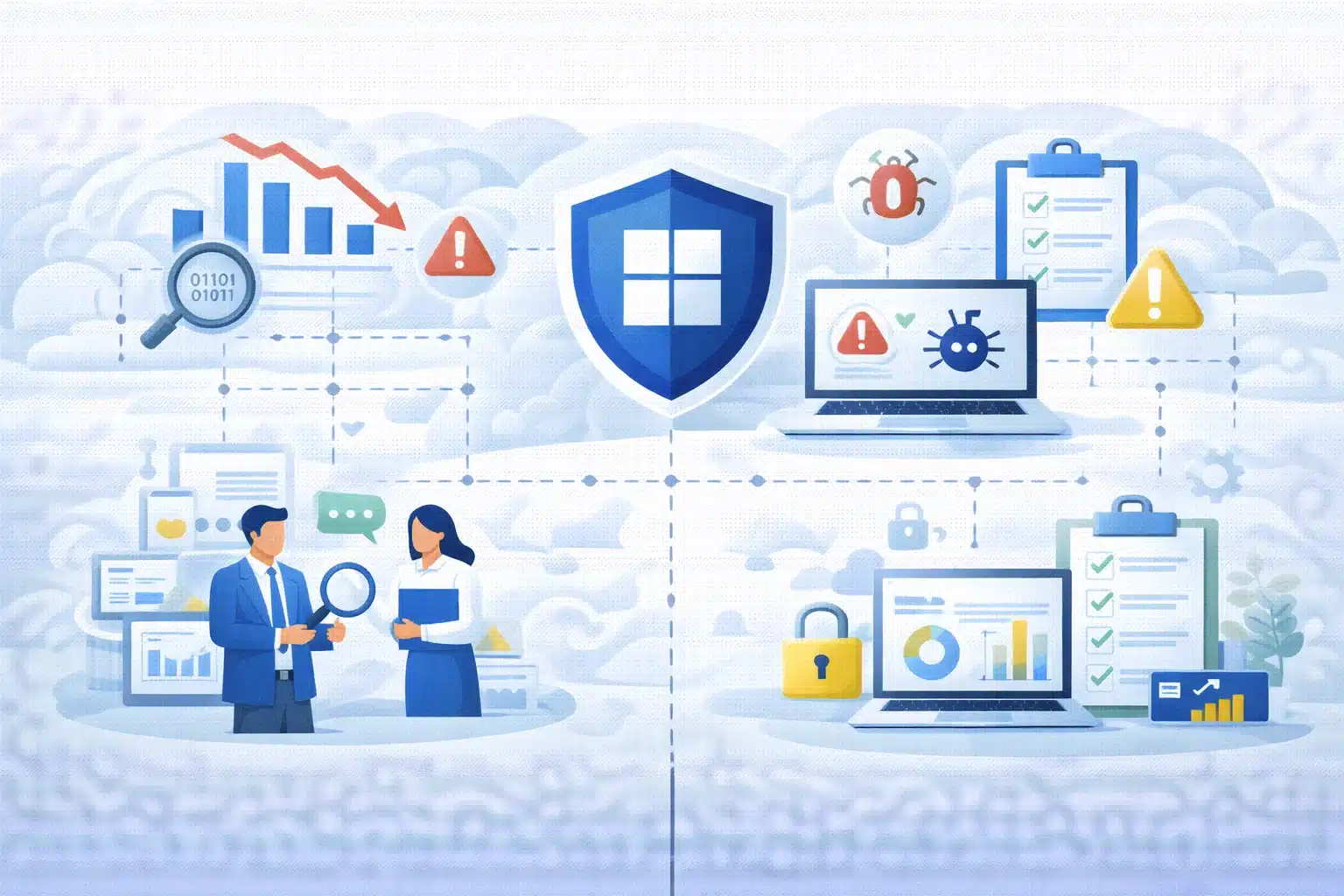
Microsoft Security Exposure Management for SMBs helps organisations understand how vulnerabilities, misconfigurations, identities, and assets interact across their environment. Instead of reviewing security alerts in isolation, businesses can analyse exposure paths, identify the most critical risks, and respond before attackers exploit them.
By providing contextual visibility across users, devices, applications, and identities, exposure management enables SMBs to strengthen their security posture without adding unnecessary complexity.
What Is Microsoft Security Exposure Management?
A security exposure management solution helps organisations identify weaknesses across their environment and understand how attackers could exploit them. Instead of focusing only on isolated vulnerabilities, exposure management evaluates the broader risk context and attack pathways.
Microsoft Security Exposure Management extends the capabilities of Microsoft Defender to help organisations:
- Identify vulnerabilities across devices, identities, and applications
- Understand potential attack paths
- Prioritise risks based on real threat impact
- Improve overall security posture
For SMBs managing limited security resources, this approach helps focus remediation efforts on risks that matter most.
Why Exposure Management Matters for SMBs
Cyber threats increasingly exploit combinations of vulnerabilities rather than single weaknesses. Attackers may combine credential theft, device vulnerabilities, and privilege escalation to compromise systems.
For SMBs, exposure management helps by:
- Reducing the time required to identify critical risks
- Prioritising remediation tasks
- Improving visibility across hybrid environments
- Aligning security actions with business risk
Instead of reacting to alerts individually, security teams gain a broader understanding of how vulnerabilities connect across their infrastructure.
Most SMB environments grow organically. The first step is usually to start with Microsoft 365 and add endpoint protection. Maybe you bolt on a firewall, a third-party scanner, or a cloud backup tool. Over time, businesses usually end up with multiple dashboards, multiple alerts, and no single, clear picture of risk.
How Does Microsoft Security Exposure Management Work for SMBs?
1. Unified View of the Security Posture
Security leaders often struggle with fragmented security visibility across multiple tools.The Microsoft security posture dashboard provides a centralised view of exposure risk across devices, identities, applications, and cloud services.
The dashboard helps organisations:
- Monitor exposure scores and risk trends
- Identify the most critical vulnerabilities
- Track remediation progress across teams
- Provide reporting insights for leadership
For SMBs, this unified visibility simplifies security management and helps leadership understand how security posture improves over time.
2. Identifying Critical Assets:
Not every asset carries the same risk. A shared marketing laptop is not the same as the financial database, HR applications, domain controller or the executive email accounts. Exposure Management highlights critical assets and ensures weaknesses affecting them are handled first. For SMBs, this means protecting what truly matters first.
3. Attack Path Analysis: Identifying Risk as an Attacker
One of the most valuable capabilities of Microsoft Security Exposure Management is attack path analysis in Microsoft Defender.
This feature identifies how attackers could move laterally through an environment by chaining together vulnerabilities, compromised identities, and misconfigurations.
For example, an attack path might show how:
- A vulnerable device could be compromised
- That device provides access to privileged credentials
- Those credentials allow escalation to sensitive systems
By visualising attack paths, security teams can disrupt potential breaches before attackers exploit them.
4. Risk-Based Prioritisation:
Traditional vulnerability management often produces long lists of issues without clear prioritisation.
Risk-based vulnerability prioritisation changes this approach by analysing vulnerabilities within the context of exposure paths and potential impact.
Instead of treating all vulnerabilities equally, organisations can focus on those that:
- Contribute to active attack paths
- Affect critical assets
- Increase privilege escalation risk
- Expose sensitive business data
This prioritisation approach helps SMB security teams allocate resources efficiently while reducing exposure.
5. Clear, Actionable Remediation Guidance
Each exposure includes recommended actions such as:
- Enabling Multi-Factor Authentication
- Applying specific patches
- Removing excessive privileges
- Hardening configurations
- Disabling outdated protocols
For SMB IT teams, this reduces time spent researching and increases confidence in execution.
Why Does This Matter for the Leadership?
Security leaders often struggle to communicate risk in business terms. A long list of vulnerabilities doesn’t resonate with executives. Exposure Management changes this by providing:
- Security posture scores
- Initiative-based risk tracking
- Clear metrics for ransomware protection, identity security, and critical asset protection
- Business-aligned reporting
Now leadership can answer questions about risks, business performance improvement, and, most importantly, which investments deliver the greatest impact. This shifts security discussions from technical debates to strategic risk conversations.
Getting Started with Microsoft Security Exposure Management
Adopting Microsoft Security Exposure Management typically begins with integrating Microsoft Defender capabilities across devices, identities, and cloud workloads.
Getting started involves:
- Enabling exposure insights within Microsoft Defender security tools
- Connecting device, identity, and cloud security telemetry
- Reviewing attack paths and exposure insights
In many environments, access to exposure management features depends on the Microsoft Security Exposure Management license associated with Microsoft Defender security products. Licensing is typically bundled within certain Defender plans rather than offered as a standalone product. Organisations often activate exposure insights after enabling relevant Defender workloads.
Microsoft Security Exposure Management Pricing
Exact Microsoft Security Exposure Management pricing is not typically listed as a separate product cost because exposure management capabilities are integrated within Microsoft Defender security services.
Pricing generally depends on the Microsoft security products already deployed, such as:
- Microsoft Defender for Endpoint
- Microsoft Defender for Cloud
- Microsoft Defender for Identity
For SMBs, the overall cost is usually determined by the Defender subscription tier and the number of protected users or devices. Businesses evaluating exposure management should review their existing Microsoft Defender licensing to understand which capabilities are included.
Why Exposure Management Matters for Modern SMB Security
Modern cyber threats exploit interconnected weaknesses across identities, devices, and cloud services. For small and mid-sized businesses, maintaining visibility across these assets can be challenging without an integrated approach.
Microsoft Security Exposure Management for SMBs helps organisations understand how risks connect across their environment and prioritise actions that reduce attack opportunities. By combining attack path analysis, risk prioritisation, and unified visibility, businesses can strengthen their security posture while maintaining operational efficiency. For SMBs, this means fewer blind spots, stronger governance, better ROI from Microsoft Licensing and security aligned with business growth.
Strengthen Your Security Strategy with Kloudify
Kloudify helps organisations design and implement modern Microsoft security architectures that improve visibility, reduce exposure, and strengthen cyber resilience.
Our approach focuses on:
- Implementing Microsoft Defender security platforms
- Aligning exposure management with business risk
- Integrating identity, device, and cloud security controls
- Supporting compliance and operational efficiency

Whether You Are Evaluating Exposure Management or Strengthening your Microsoft Security Environment
Kloudify can Help you Build a More Resilient Defence Strategy.