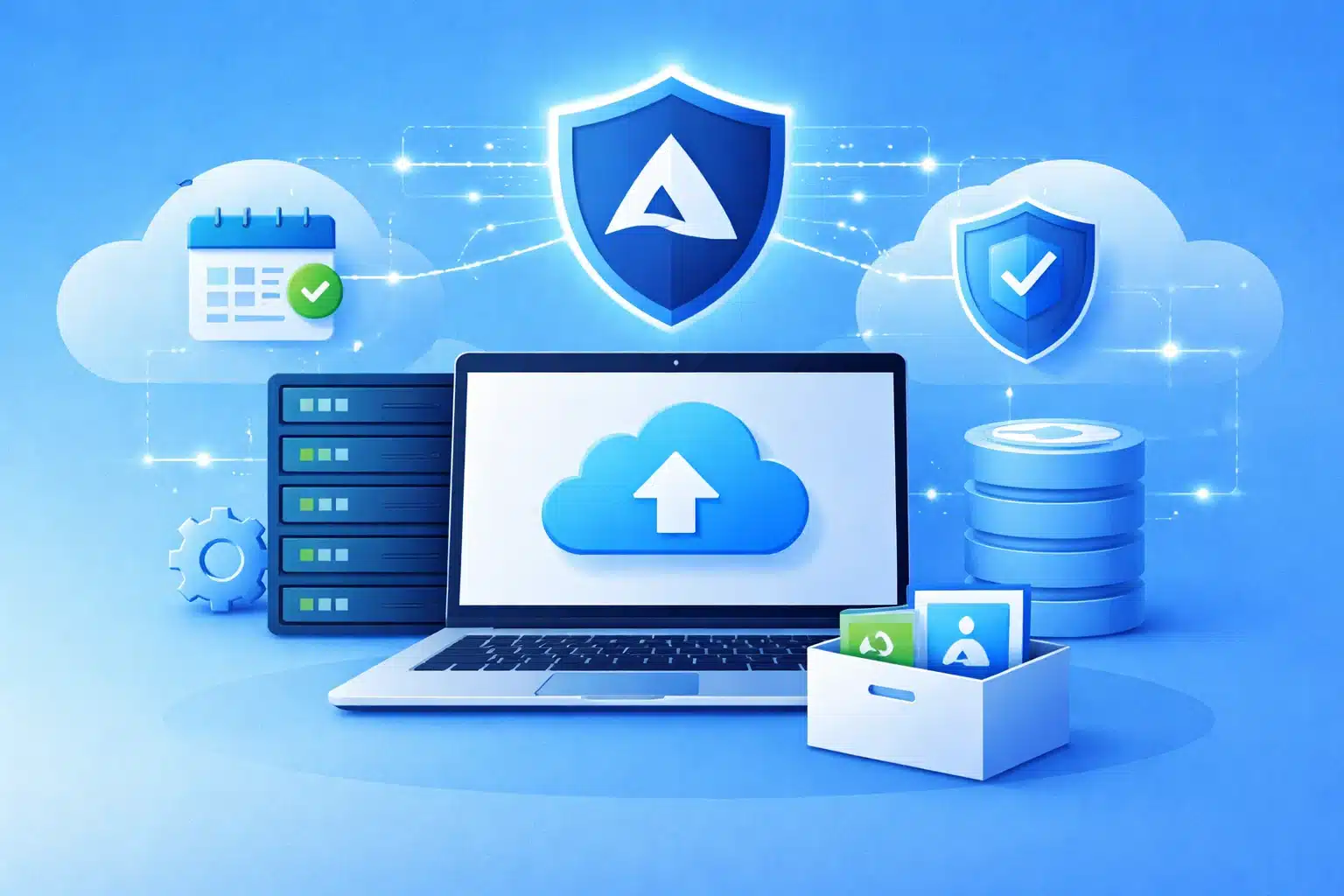
As enterprises grow, so does the complexity of their data management needs. Enterprises must navigate the challenges of an evolving digital landscape while also managing and protecting business data effectively. Azure Backup offers scalable and secure backup solutions designed to meet these demands, helping maintain data integrity, achieve compliance, and enable advanced security features. Azure Backup solutions are diverse and tailored for enterprise needs, including Recovery Services Vault and Backup Vault. Let us get into the details now.
What is Azure Backup?
Azure Backup is a secure and cost-effective cloud-based backup service that protects business data from loss, corruption, and ransomware attacks. It provides a centralised solution for backing up and restoring on-premises and cloud-based workloads, including virtual machines, databases, and file shares, to Microsoft Azure. This includes both on-premises VMs and Azure VMs. Azure Backup can supplement existing backup solutions or replace existing solutions altogether.
Azure Backup solutions create application-consistent backups, ensuring that applications and databases are always restored to a consistent state. This minimises data loss and downtime during recovery. Application-consistent backups capture the entire application state, including in-memory data and pending transactions, ensuring that the application can be restored to a functional state.
For a Secure Cloud Backup Strategy for Azure Workloads, Talk to Us
What is Azure Storage for Backup?
Azure Backup leverages Azure Recovery Services vaults or storage entities to house backed-up data—these vaults in Azure store disaster recovery information, including backups of your resources.
Here’s a breakdown of Azure backup storage:
- Centralised Storage: Recovery Services vaults provide a central location for backing up various Azure resources, including VMs, databases, and file shares.
- Scalable Storage: Azure Backup scales up or down automatically based on storage needs. Businesses only pay for the storage consumed, making it cost-effective.
- Storage Options: Recovery Services vaults offer different storage replication options to ensure data availability:
- Locally Redundant Storage :LRS replicates your data three times within the same datacenter for protection against local hardware failures. This is a cost-efficient option.
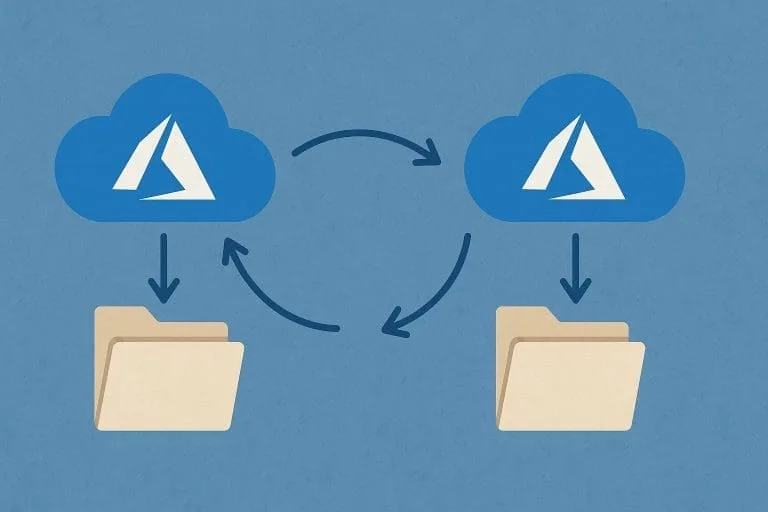
- Geo-Redundant Storage (GRS): the default and recommended option) replicates the data to a secondary datacenter in a different region, ensuring high availability even during regional outages.
- Long-Term Retention : Allows businesses to retain backups for up to 10 years, facilitating disaster recovery from older points in time.
Here is how the backup data is secured:
- Encryption of data at rest and in transit, ensuring confidentiality and integrity.
- Multi-factor authentication for all Azure Backup operations, adding an extra layer of security to prevent unauthorised access.
- Role-based access control (RBAC) controls access to backup data and resources, granting permissions based on user roles and responsibilities.
- Soft delete protects backup data from accidental or malicious deletion by retaining deleted backups for a specified period.
Here are the recovery options:
- Point-in-time recovery helps restore data to a specific point in time, allowing businesses to recover from accidental deletions or data corruption.
- Item-level recovery helps restore individual files, folders, or database items, minimising downtime and data loss.
- Alternate location recovery restores data to an alternate location, such as a different Azure region or an on-premises server, for disaster recovery purposes.
Workloads Supported by Azure Backup Services
| Workload | Features and Benefits |
| Virtual Machines | -Comprehensive protection for Windows and Linux Azure VMs – Consistent backups ensuring application stability – Flexible recovery to specific points or alternate locations |
| Databases | – Supports SQL Server (on Azure VMs and on-premises) with point-in-time recovery and log backups – Supports SAP HANA with application-consistent backups – Supports other databases like MySQL and PostgreSQL via Azure Backup agent |
| On-Premises servers | – Protects workloads running on hybrid platforms such as Azure Stack HCI and Azure Stack Hub – Provides consistent backup management across cloud and on-premises infrastructure |
| Azure file shares | – Centralised backup for Azure File Shares, safeguarding against data loss or corruption – Seamless integration with Azure Files for easy data recovery |
Azure Backup offers flexible, scalable, and secure backup solutions tailored to cloud, hybrid, and on-premises infrastructures, ensuring business data and applications are reliably protected and quickly recoverable when needed.
Read: Azure Backup Vs Azure Recovery Services
Tools That Help Monitor Microsoft Azure Backup:
- Azure Monitor offers a complete monitoring solution for your Azure resources, including Azure Backup. It collects and analyses logs, metrics, and alerts related to your backup activities, helping you monitor their health and performance.
- Azure Advisor delivers tailored recommendations to optimise your Azure resources, including Azure Backup. It identifies potential issues, such as unprotected resources or inefficient backup policies, and suggests ways to improve.
- Backup Explorer, accessible within the Azure portal, provides a unified view of your backup environment. It lets you monitor backup jobs, check storage use, and manage your backup policies all from one place.
Speak to Kloudify for Microsoft Azure Implementation:
Kloudify is a certified Microsoft partner focused on consulting and implementation of cloud and security solutions in Australia. Team Kloudify has the expertise to build secure Azure Landing Zones, migrate workloads hassle-free, and optimise cloud infrastructure costs. With proven processes and 24/7 support, Kloudify can turn complex Azure projects into sustainable and straightforward wins. How about taking this conversation further? Speak to our team right away.