
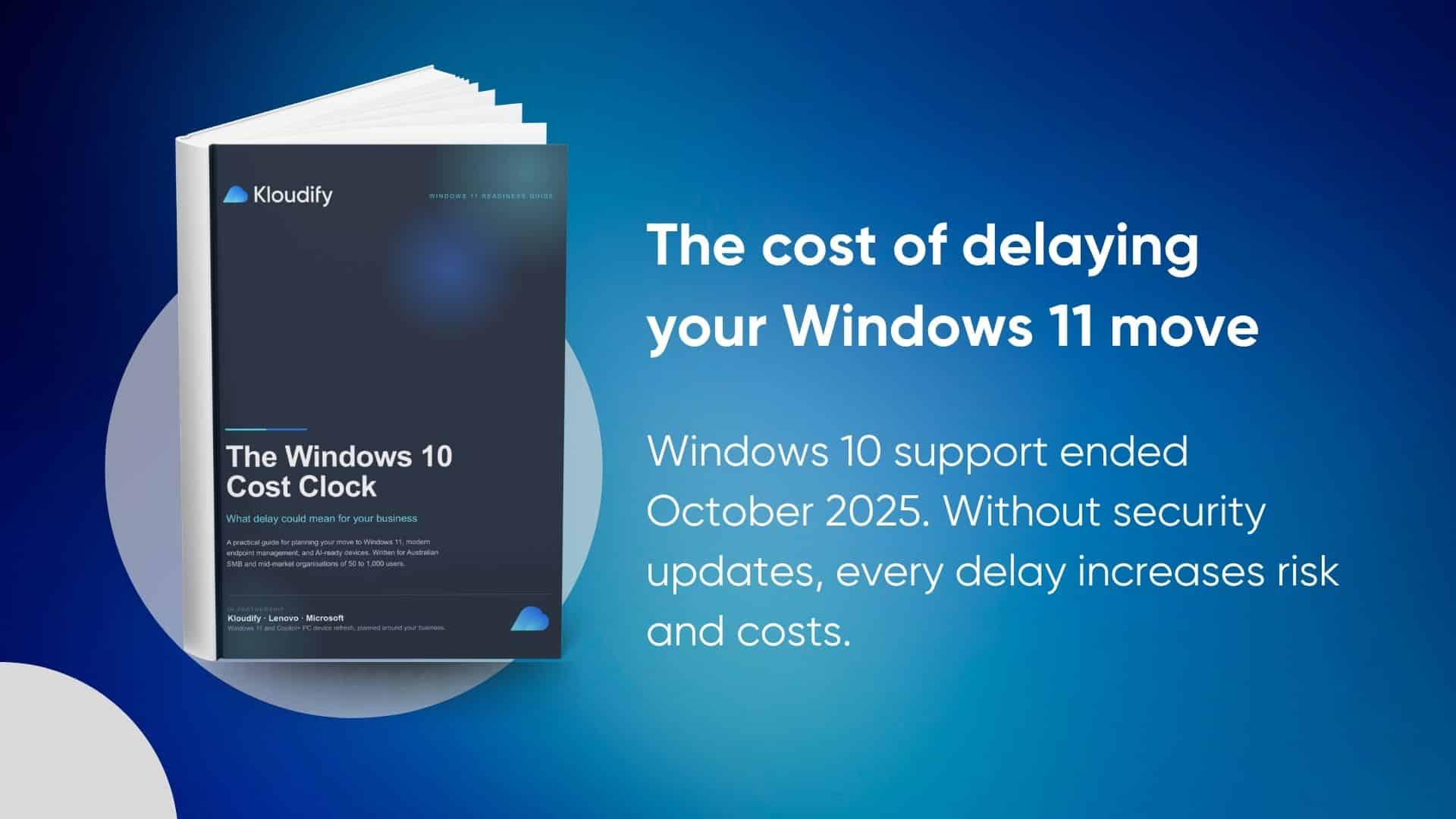
Windows 10 may still work. But is it still protecting your business?
Moving away from an unsupported operating system is no longer just an IT maintenance task.
It is now a business decision that can affect:
- Cybersecurity and compliance
- Hardware and support costs
- Employee productivity
- Microsoft 365 licensing
- Endpoint management
- AI readiness
Organisations that continue operating Windows 10 devices may need Extended Security Updates to remain patched. However, ESU is a temporary transition measure rather than a long-term modernisation strategy. It provides critical and important security updates, but no new features, performance improvements or broader technical support.
What you will learn
Download the guide to understand:
The real cost of delaying your refresh
See how Windows 10 Extended Security Update pricing increases annually and why postponing a refresh can become more expensive over time.
What a modern device refresh can address
Learn how one coordinated refresh can improve hardware performance, security, licensing alignment, endpoint management and AI readiness.
Windows 11 versus Copilot+ PC readiness
Understand the difference between a standard Windows 11 PC and a Copilot+ PC, including the hardware requirements that support on-device AI capabilities.
How to assess your current position
Use the included readiness checklist and worksheet to evaluate your fleet, budget timing, security posture, management environment and commercial pathway.
How to plan a staged transition
Identify practical next steps for moving from discovery to phased deployment without disrupting your operations or budget cycle.
More than a laptop replacement
A successful device refresh should connect five important layers:
- Device: Replace ageing, slow or unsupported hardware with business-grade Windows 11 devices.
- Licence: Align Microsoft 365 licensing with your device, security and productivity requirements.
- Management: Build a consistent approach to endpoint deployment, configuration and ongoing management.
- Security: Reduce exposure from unsupported operating systems and strengthen endpoint protection.
- AI readiness: Prepare selected users and workloads for Copilot+ PCs and future AI-enabled work.
Kloudify’s recommended approach is to plan these areas as one coordinated project rather than solving them separately.
Who should download this guide?
This guide is designed for:
- IT managers reviewing their remaining Windows 10 fleet
- CIOs and technology leaders planning hardware investment
- Finance leaders comparing ESU and refresh costs
- Security teams managing unsupported endpoint risk
- Operations leaders concerned about productivity and device performance
- Organisations preparing for Microsoft 365 Copilot and AI-enabled devices
Why this matters for Australian organisations
Keeping operating systems and applications patched is a core component of the Australian Cyber Security Centre’s Essential Eight guidance.
Continuing to operate unsupported systems can work against that guidance and increase security and compliance exposure.
