Understanding Microsoft Modern Workplace Solutions: For Small and Medium-Sized Businesses
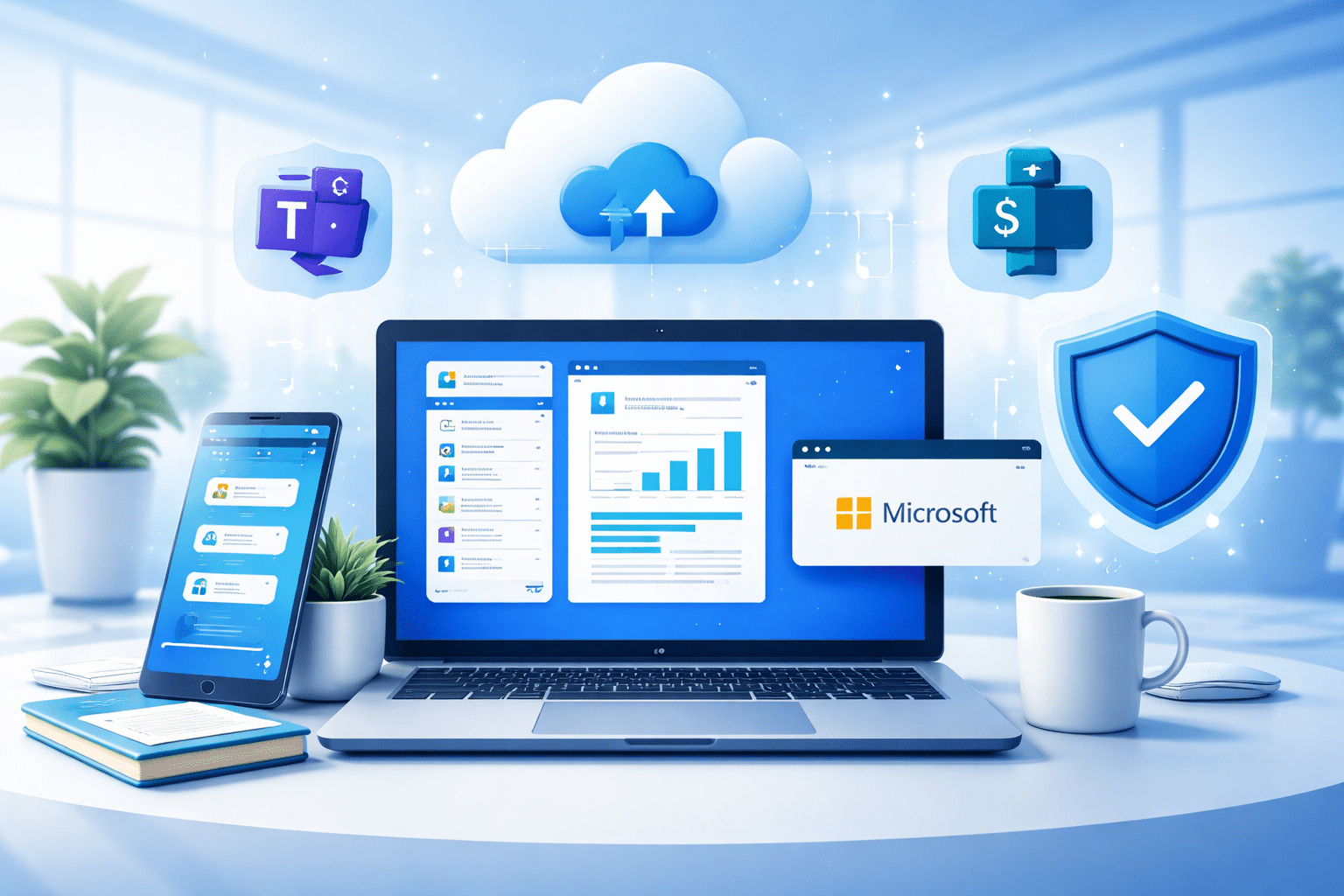
Work environments for growing businesses are dynamic and demand constant collaboration, flexibility and adoption of cutting-edge technology. Modern Workplace solutions are designed to support employees who can work together seamlessly, whether in the office or remotely. With technology that fosters a flexible work culture with the necessary infrastructure, modern workplace solutions can work more efficiently, in an agile and impactful manner. Microsoft Modern Workplace is a cloud-based solution that enhances productivity, security and fosters collaboration within teams with applications like Microsoft 365, Teams, and SharePoint.
Let us start with the basics: what are the components of a Microsoft modern workplace solutions?
Also Check – : Top Microsoft 365 Workflows Every Business Should Automate
Components of Microsoft Modern Workplace Solution
Smart Collaboration
- Modern workplaces move beyond endless email and fragmented tools by centralising teamwork in communication platforms like Microsoft Teams.
- Teams provides instant messaging, video calls, and real-time document sharing, so everyone’s on the same page.
- Cloud-based co-authoring means teams can edit the same document together, removing version headaches and speeding up delivery.
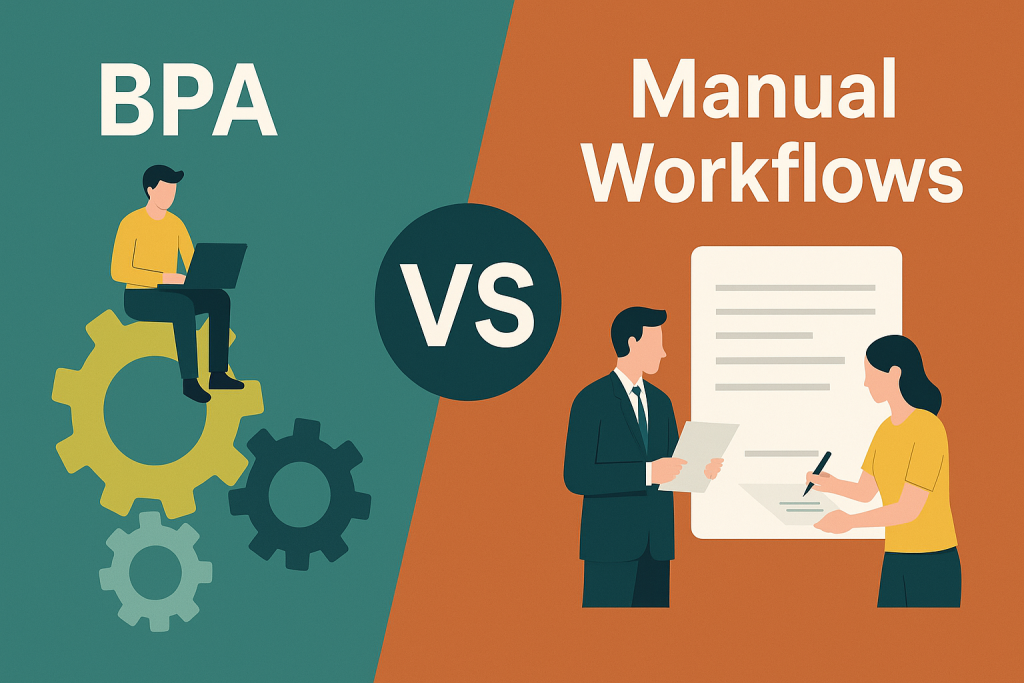
- Automated workflows (e.g. for approvals) eliminate time spent on manual tasks and keep projects moving without bottlenecks.
- Connected tools break down silos, reduce wasted effort, and let staff focus on high-value work.
Security-First Design:
- As cyber threats keep evolving, modern workplaces make security a priority at every layer.
- Adopting a Zero Trust approach means every user, device, and access request is always verified without assumptions or blanket permissions for access.
- Tools that monitor AI-powered threats spot trouble before it escalates, while multi-factor authentication (MFA) blocks unauthorised access.
- With Microsoft Purview and Entra ID, organisations can protect sensitive data, enforce governance policies, and manage identities with enterprise-grade security.
- Role-based controls ensure team members only see what they require, protecting sensitive data and supporting compliance.
Automation & AI Efficiency:
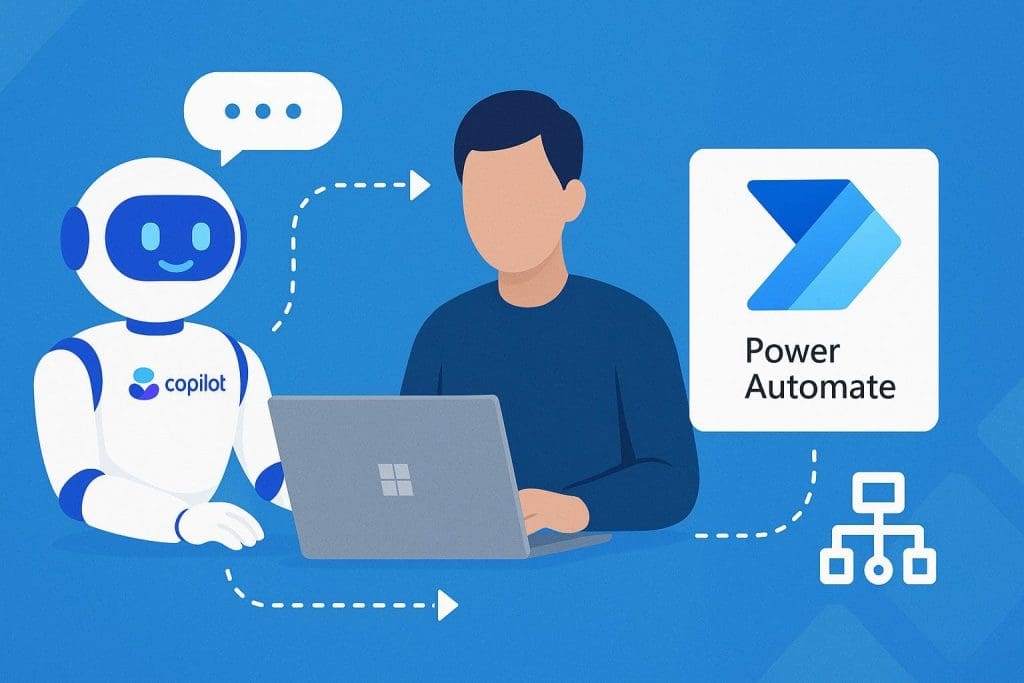
- Automate regular jobs like approvals, reporting, or data entry using tools such as Power Automate; reduce errors and free up staff time.
- AI, such as Copilot in Microsoft 365, gives intelligent recommendations on workflow improvements and helps guide decision-making.
- Automated self-service IT means employees can fix common issues quickly, reducing downtime across the business.
- Overall, automation shifts focus to innovation and service, letting resources add more value where it counts.
Cloud-Driven IT Infrastructure:
- Relying on old on-premise tech is expensive and inflexible, while cloud-first workplaces adapt easily to growth and change.
- Platforms like Microsoft OneDrive and SharePoint offer scalable cloud storage and access from anywhere, removing the need for local servers.
- Cloud-based backups and disaster recovery reduce risk, keep data safe, and ensure business continuity.
- Employees can work securely and productively from any location, with devices managed to protect company information.
Secure & Seamless Remote/Hybrid Work-Culture:
- Flexibility is critical to attract and enable talent, where remote work options are part of everyday business in recent times.
- Secure cloud access means staff can log into systems wherever they are without compromising data safety.
- Device and endpoint management tools protect business information, whether on company-owned laptops or personal mobiles.
- Collaboration tools like Teams and OneDrive allow real-time updates and shared workspaces, so remote work feels just as connected as in-office.
- Power Automate eliminates repetitive tasks through automated workflows, reducing manual errors and increasing efficiency. From simple approvals to complex, cross-application processes, it integrates seamlessly with Microsoft 365 and third-party tools to streamline business operations and enhance productivity.
Continuous Improvement and Future-Readiness:
- Modern workplaces aren’t static; they optimise and adapt continuously as threats, tools, and needs evolve.
- Regular security updates, threat monitoring, and new technology roll-outs keep the organisation one step ahead.
- Ongoing training ensures everyone uses new tools confidently, unlocking more benefits from investments in Microsoft 365 and automation solutions.
- Performance monitoring and IT advisory drive improvements in workflows, collaboration, and long-term resilience.
Knowledge Sharing & Service Management (ITSM):
- Effective collaboration grows from transparent knowledge sharing; resources having access to the correct info at the right time.
- ITSM practices improve service delivery and support, aligning IT with business needs and making support simple and accessible.
- Modern service catalogues make it easy for people to find and request services, while workflows standardise service delivery.
- AI-powered chatbots in portals and platforms give users instant, practical support and capture feedback for continuous improvement.
Unified Self-Service Portal:
- A self-service portal lets users log service requests, troubleshoot, and track progress independently via web or mobile.
- Microsoft Viva improves employee experience through communities, learning, workplace analytics, and more. Viva Engage fosters employee engagement by bridging gaps between teams, departments, and leadership through personal connection.
- Integrated knowledge bases provide answers for common questions, allowing staff to solve issues fast without always needing support.
- Multi-channel options (Teams, Slack, etc.) and live chat make help accessible wherever staff are working.
Getting Started with Modern Workplace Solutions: Small and Medium-Sized Businesses:
For many small and medium-sized businesses, modernisation starts by addressing lingering pain points such as slower processes, increased repetitive workloads on resources, and haphazard workflows. Modernisation doesn’t have to be overwhelming; it is easy to implement with the right tools and techniques, such as automation, low-code solutions, and AI-powered solutions like Microsoft Copilot. Growing businesses can optimise everyday operations without the need for a full-fledged IT department or team. Here is a glimpse of the trends among SMBs across Australia that have begun this journey.
- AI Adoption: Most SMBs in Australia have begun working with a formal AI strategy and an active rollout.
- Generative AI in practice also plays an influential role.
- The Rise of Cybersecurity risks, on the other hand, has not gone unnoticed by cybercriminals, with a substantial increase in phishing attempts, ransomware or network intrusions.
Allow these developments to simmer as AI becomes a daily tool and cybersecurity challenges remain a constant concern. Now, how do the rest of the SMBs follow suit? The key is to start small and scale strategically. Let’s break it down:
Simple Steps to Follow Before Adopting Microsoft Modern Workplace Solutions:
- Identify what’s slowing your business down, such as repeated tasks like invoicing, approvals, or data entry. Focus on automating those first.
- Set clear goals, whether you want to save time, reduce errors, or improve customer experience.
- Start with a quick win: automate a straightforward process to boost efficiency and build trust in the new technology and approach.
- Use easy, low-code platforms like Microsoft Power Platform so anyone can help automate jobs, not just IT.
- Track results like time saved and fewer mistakes. Share successes to motivate, then gradually expand automation.
- Make sure your team is trained and supported so they’re comfortable and confident using the new systems.
A Managed Service Provider like Kloudify Can Help:
Adopting Modern Workplace Solutions can be challenging, especially when managing IT infrastructure, software licensing, and security protocols and parameters. Partnering with a Managed Service Provider simplifies this transition. MSPs like Kloudify are experts in Microsoft 365 licensing, real-time IT monitoring, and overall IT management, allowing businesses to focus on their core operations. Eager to get started?
Talk to Team Kloudify Today.