Microsoft 365 tenant is the digital home in the Microsoft cloud, where all 365 services reside, including email (Outlook), collaboration tools (Microsoft Teams and SharePoint), and cloud storage (OneDrive). Consolidating multiple Microsoft 365 tenants into a single tenant can be an essential move for organisations seeking to streamline their operations, reduce costs, and simplify administration. Merging Microsoft 365 tenants requires meticulous pre-migration planning, thorough auditing, strategic user provisioning, and post-migration optimisation.
Microsoft 365 does not offer a built-in system for merging tenants directly; therefore, careful planning and an approach are required to migrate data, users, and resources from secondary tenants into a primary tenant.
Check Out – Your Quick Microsoft 365 Migration Checklist
What is Microsoft 365 Tenant Consolidation?
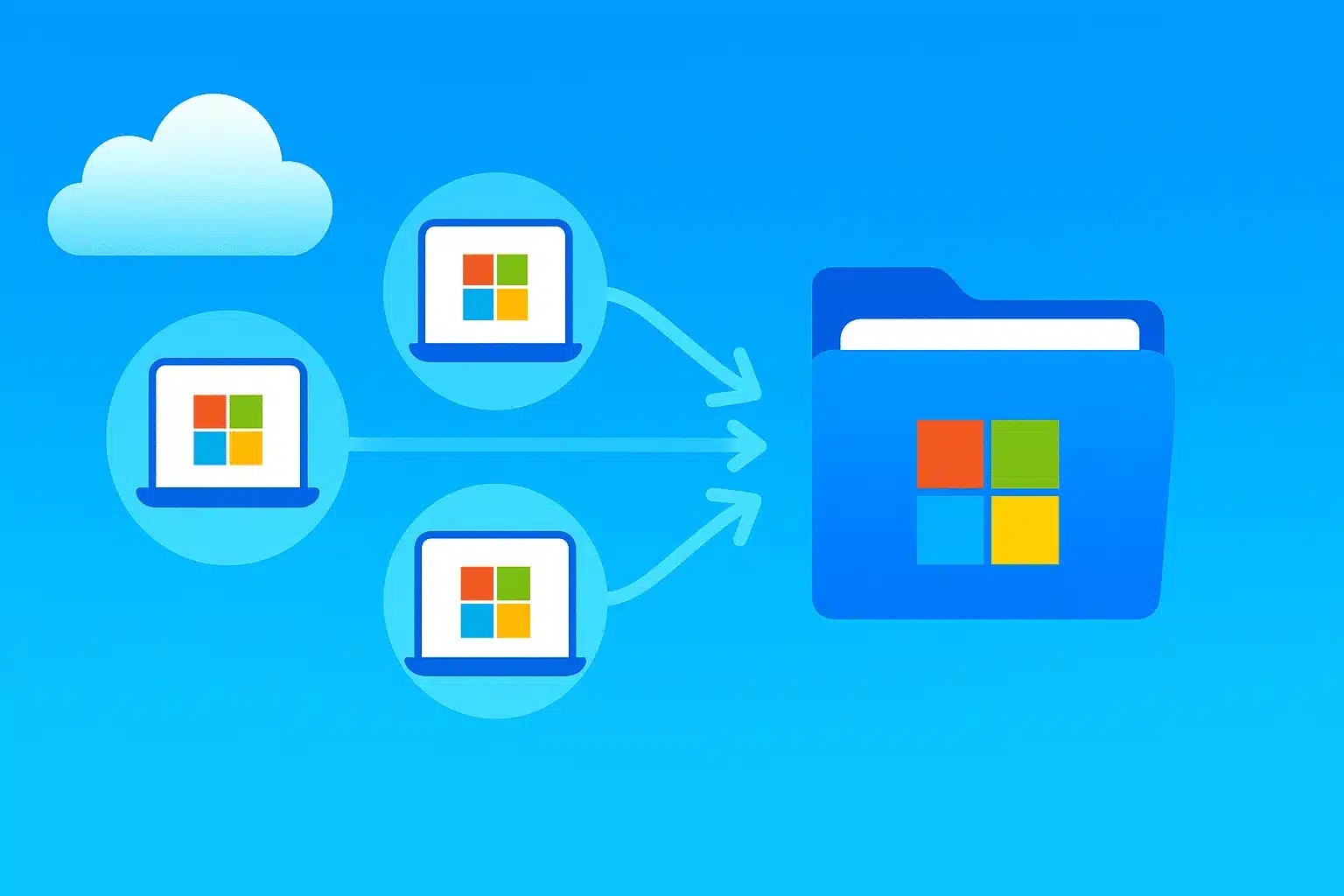
Microsoft 365 tenant consolidation is the process of merging resources of two or more M365 environments into a single, unified tenant. The objective is to ensure that the resources of individual tenants, including all users, domains, policies, licences, and configurations, are successfully unified into a new master tenant.
Merging M365 tenants is complex, but it is a necessary project to optimise costs and feature availability. Further, here are other scenarios why it needs to be done:
| Scenario | Description |
| Merger and Acquisition (M&A) | Combining two companies’ IT resources and tenants following a merger or acquisition. |
| Divestitures | Separating tenants because a part of the business has been sold or spun off. |
| Operational efficiency | Centralising tenants to cut down IT overhead, avoid excess licences or storage, and improve collaboration. |
| Business restructure | Unifying governance and oversight during company reorganisation. |
| Security and Compliance | Meeting legal or regulatory rules to contain data within specific geographic regions. |
The process of merging Microsoft 365 tenants involves, for starters, data mapping and migration, domain management, identity management, consolidation, and alignment of data governance. The tenant merging process consolidates business processes across the new unified entity and aligns information flows and IT processes to match them.
General Steps in Merging M365 Tenants:
Every tenant consolidation journey is unique, as the resources that live within each tenant. Let us remember that there is no blanket blueprint approach to merging M365 tenants. At a high level, the process is roughly the same across use cases: robust and comprehensive upfront business planning.
Here is a basic, high-level process for merging tenants, broken into three phases: pre-migration (arguably the most critical), migration, and post-migration.
| Phase | Steps | Description |
| Pre-Migration | Assessment & Planning | Audit resources, identify complexities, clean data, and define scope and approach. |
| Organisational Review | Set objectives, risks, milestones, and success metrics with cross-departmental teams. | |
| Target Tenant Set-Up | Create and configure target tenant, including security, domains, and permissions. | |
| Domain and Permissions Configuration | Verify permissions and update DNS settings for domains. | |
| Migration | Execute migration | Move users, mailboxes, and resources manually, with third-party tools, or with hybrid methods. |
| Data & Resource Migration | Transfer SharePoint, OneDrive, and Teams data, using appropriate tools. | |
| DNS & Domain adjustment | Move domains,and update DNS records in the target tenant. | |
| Post-Migration | Verification & Testing | Ensure data integrity, system access, and functionality. |
| Clean-up and Decommissioning | Remove old tenant data, cancel subscriptions, and decommission sources. | |
| Documentation & Governance | Finalise policies, admin roles, and ongoing compliance procedures. | |
| User Support & Communication | Provide ongoing support, inform users about changes, and monitor system health. |
Best Practices for Merging M365 Tenants:
Conducting a successful and safe tenant consolidation project relies on getting pre-migration planning right and laying sufficient groundwork. The best of all best practices is to invest the majority of time and effort into the pre-migration phase to ensure that critical information and cross-functional perspectives are captured before taking any action. Note the following:
Inventory Your Data During Pre-Migration Planning
- It is essential to understand the total number of individual items in the SharePoint object model rather than the total GB size of your storage. Remember to account for the identity data during pre-migration inventory.
- Account for all identity powers, including mailboxes and files, but also access to Line of Business (LOB) processes, automation, and third-party integrations. This will prevent service disruptions and ensure access to critical systems.
- Look at multiple tenant migration tools and identify the best fit. Now this may require a combination of tools.
- Build in a buffer to account for overlooked inventory, so you don’t move things you don’t need or can’t use. Likely, some of these items will still need to be migrated and will require revisions to fit into the new system.
- Match your migration approach with needs and resources. There are four options: a single-event migration, a staged, gradual migration, a phased batch approach, or a rapid-switch approach for partial pre-staging and migration.
Pre-Clean Your Data:
Create a good data and file structure before migration to prevent clutter and ensure a seamless migration process.
Migrate Identity Data First
Prevent potential access issues by prioritising the migration of identity data so that all content, documents, SharePoint sites, mailboxes, and teams have an owner.
Pre-Instantiate Users to Avoid Business Disruptions
Switch users over to the new tenant at a predefined time by pre-instantiating users in the target tenant. This is critical when moving user identities, but ensure you don’t switch everything over before all other workloads have been migrated.
Bear in Mind Compliance-Related Issues with Cross-Tenant Migration
While no IT team is expected to understand the legal ramifications of different regulations, it is essential to involve legal and compliance teams. Violating compliance requirements and/or losing access to protected data are strong reasons to prioritise compliance in a migration.
Basic Considerations:
- Ensure that the target tenant has the appropriate licenses for all users and services.
- Be aware of regulatory or compliance requirements that may affect the migration.
- Depending on the complexity of your environment, third-party tools may be necessary to facilitate the migration.
The key to a successful migration lies in systematic preparation, clear communication with users, and ongoing support post-transition. For organisations with large or complex environments, engaging with a Microsoft Certified Partner or migration specialist may be a prudent first step toward a successful tenant migration. Reach out to our experts at Kloudify.