The challenge for businesses in an evolving digital landscape is striking the right balance between on-premises infrastructure and public cloud scalability. A hybrid cloud strategy offers a powerful solution for the diverse workloads of growing businesses. To support the growing adoption of hybrid cloud, Microsoft rebranded Azure Stack HCI to Azure Local, staying true to its commitment to simplifying hybrid cloud solutions for enterprises. Azure Local offers the best of both worlds: the security and performance of on-premises infrastructure with the scalability and innovation of the cloud.
Why Do So Many Organisations Adopt Hybrid Cloud — and What Does a Solid Strategy Actually Look Like?
A Quick Note on Azure Stack HCI:
Azure Stack HCI (Hyper-Converged Infrastructure) is a hybrid cloud solution that helps organisations to run Azure services on-premises. It combines compute, storage, and networking on industry-standard hardware, providing a seamless integration with the Azure suite for management, monitoring, and updates. Azure Stack HCI suits organisations that need to keep data local for compliance, security, or latency reasons while using Azure’s cloud capabilities.
Renaming Azure Stack HCI to Azure Local reinforces the goal of a truly seamless hybrid cloud experience. Azure Stack HCI provided a solid foundation for on-premises VMs, storage, and networking, with cloud management.
Azure Local marks an evolution; a rebranded, unified family that brings all distributed infrastructure under one single, clear banner.
- Unified brand, which means everything now falls under “Azure Local,” creating one clear identity for on-premises solutions.
- “Azure Local” instantly communicates Azure’s power right to your data’s doorstep, making the value obvious.
- Easier to onboard: A single brand simplifies adoption, whether you’re new to hybrid cloud or upgrading; it is easy for all.
Bottom line: For businesses on Azure Stack HCI, nothing changes. Azure Local makes the big picture easier to grasp and leverage for growth. Let us get into specifics now.
What is Azure Local?
Azure Local offers the same functionalities as Azure Stack HCI, helping organisations to run Azure services on-premises. As indicated earlier, this does not affect existing deployments, configurations, or integrations and ensures a smooth transition for current users.
Azure Local fuses Hyper-V compute, Storage Spaces Direct, and high-speed networking into a single cluster, then layers Azure services such as the virtual machines, AKS containers, and Azure Virtual Desktop. As a user, register the cluster with Azure Arc, and you can monitor, secure, and patch it from the same Azure portal you use.
The sensitive data on-premises for compliance, data residency, or ultra-low-latency scenarios, thus modernising local workloads without losing control. Azure Local supports multiple options and configurations, and users benefit from updates and other features enabled by Azure.
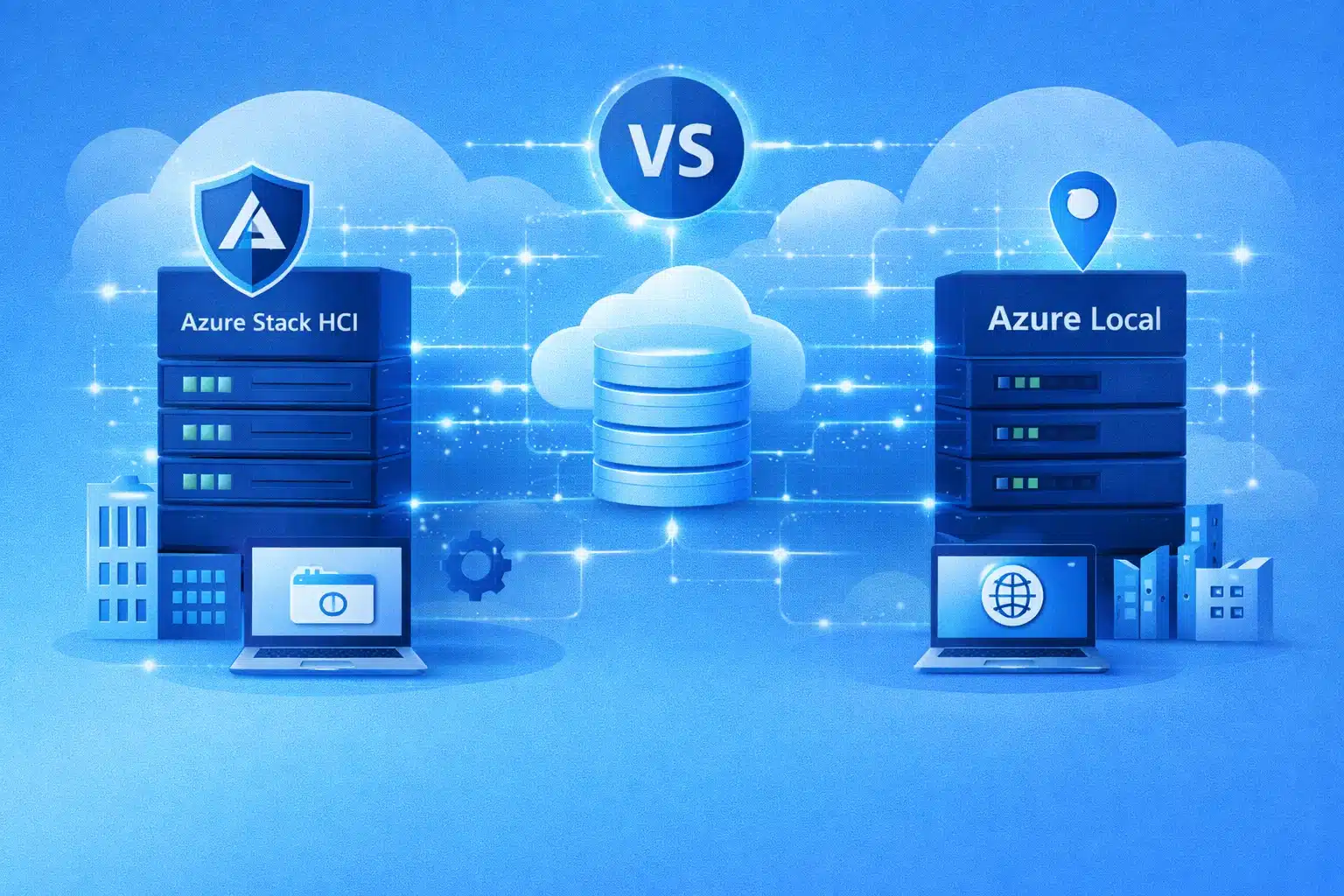
Azure Stack HCI Vs Azure Local: A Comparison
| Feature | Azure Stack HCI | Azure Local |
| Functionality & Integration | Hybrid cloud and is seamless with Azure | Hybrid cloud and is seamless with Azure |
| Management & Compliance | Azure Portal, Windows Admin Centre, Local data storage for compliance | Azure Portal, Windows Admin Centre, Local data storage for compliance |
| Security & Latency | Enhanced on-premises security, Low latency for critical apps | Enhanced on-premises security, Low latency for critical apps |
| Edge Computing | Supported | Supported |
| VM Support | Windows and Linux VMs | Windows and Linux VMs |
| Container Support | Yes | Yes |
| Software-Defined Storage | Storage Spaces Direct | Storage Spaces Direct |
| Networking &Hardware | Software-Defined Networking, Integrated systems, validated nodes | Software-Defined Networking, Integrated systems, validated nodes |
| Azure Services Integration | Azure Backup, Monitor, Security Centre | Azure Backup, Monitor, Security Centre |
| Kubernetes Support | Integrated AKS | Integrated AKS |
| Disconnected Operations | No | Yes (Preview) |
| Deployment Flexibility | Suitable for larger deployments | Supports small and large deployments |
| Hardware Support | Limited to specific hardware | Wider range of hardware |
| New Azure Services | Limited support | Enhanced support for new services |
Core Capabilities of Azure Local in a Nutshell:
- Azure Local now takes the place of Azure Stack HCI, so you set it up and pay for it just like any other Azure service, with straightforward per–physical core billing on your usual subscription.
- When you connect your cluster through Azure Arc, your local servers, virtual machines, and Kubernetes workloads show up in the Azure portal, where you can apply policies, monitor health, and familiarly manage extensions.
- You’re not limited to just Windows and Linux VMs. You can run containerised workloads with AKS and even host Azure Virtual Desktop sessions locally, then burst into Azure if you need extra capacity.
- Start small with a single compact node for branch or edge locations, or scale out to up to 16 nodes for multi-petabyte environments using hardware validated by Microsoft partners.
- Workloads keep running even if the WAN link drops, helping you meet strict data residency and continuity requirements, and then automatically sync back to Azure when the connection is restored.
- Combine Azure Local with services like ExpressRoute Local or your existing private network links to reduce egress costs and keep application performance responsive for users.
Benefits of Azure Local for Small to Medium-Sized Businesses (SMBs):
| Feature | Details | Benefit |
| Management | Manage Azure Local from the Azure portal and via APIs. | One familiar place to deploy, update, and monitor instead of legacy tools. |
| Deployment | Use Azure Arc and Windows Admin Centre to build clusters. | Simple, guided setup for nodes, storage, networking, and app deployment. |
| Updates | Azure Update Manager handles OS, firmware, and driver updates. | Safer, rolling updates with minimal downtime on multi-node clusters. |
| Monitoring | Integrated with Azure Monitor and rich metrics/dashboards. | Proactive visibility and alerts to fix issues before users are affected. |
| VM Support | Runs Windows and Linux virtual machines with HA and scale. | Lift-and-shift existing workloads with added Defender and monitoring. |
| Kubernetes Support | Runs AKS on-prem with GitOps and container security. | Modern on-premises container platform that aligns with Azure AKS practices. |
| Azure Virtual Desktop | Host AVD session locally. | Lower latency virtual desktops closer to users. |
| Azure SQL Managed Instance | Run managed SQL locally on Azure Local. | Keep key databases on-prem with a managed Azure experience. |
| Azure IoT Operations | Run IoT workloads at the edge. | Process device data locally without relying on constant cloud connectivity. |
| Azure AI Capabilities (Preview) | On-prem AI search over private data. | Use advanced AI on sensitive data without sending it to the cloud. |
| HCI Foundation | Hyper converged platform for compute, storage, and networking. | Unified Azure-like stack for VMs, AKS, and AVD managed through Azure Arc. |
Get started with Kloudify for Azure:
Kloudify is a certified Microsoft partner that helps Australian businesses implement Azure effectively by building secure, scalable foundations first, then migrating and modernising with minimal disruption. From governance and security guardrails to monitoring, backup, and cost control, we at Kloudify bring Azure-native best practices and an outcome-led approach that turns strategy into a stable, high-performing platform. How about getting a free evaluation and the next steps? Contact our team for more.