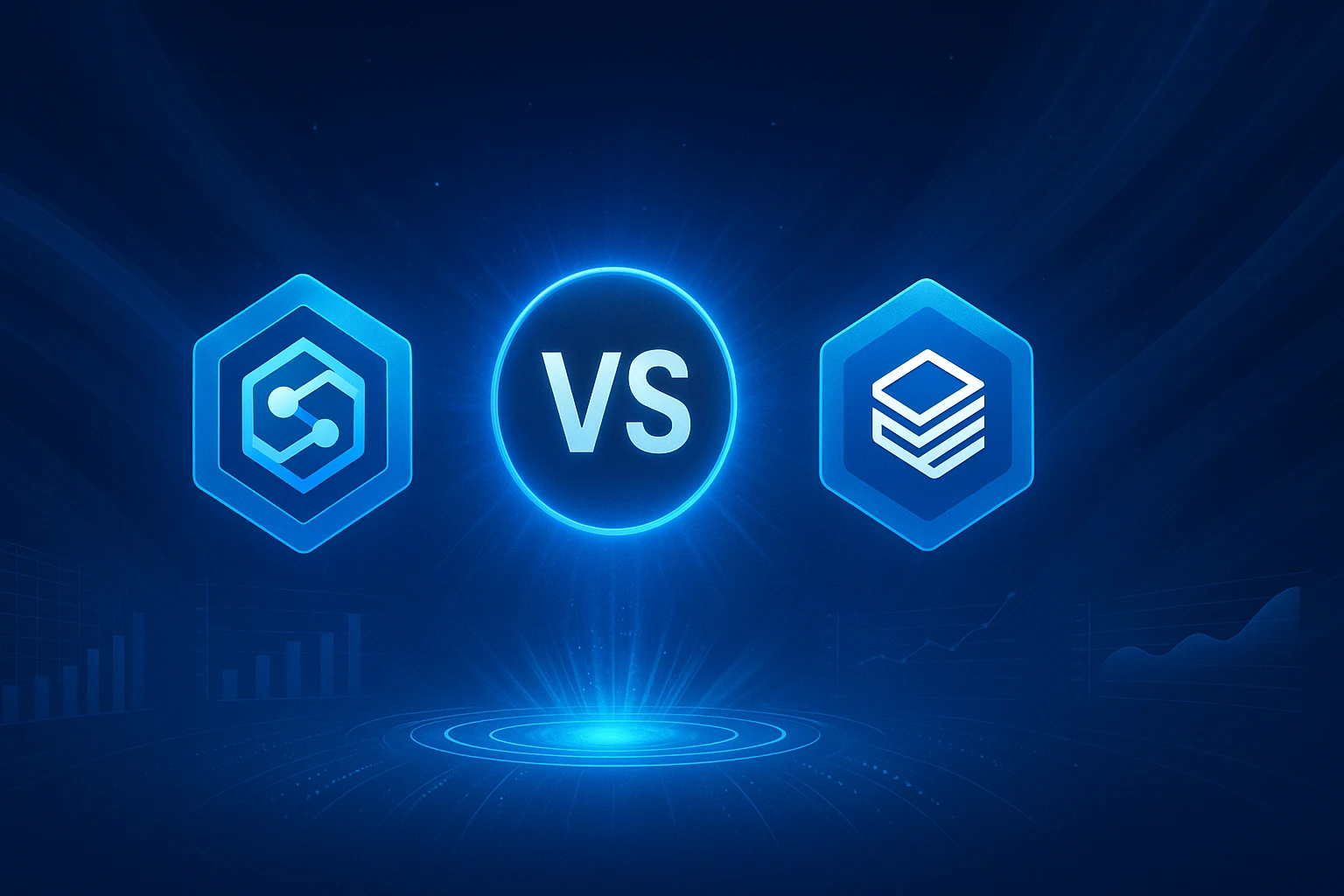
With businesses relying on data-driven insights now more than ever, harnessing data is at the core of these efforts. With vast amounts of data flowing in from sources such as customer interactions, IoT devices, and social platforms, effectively managing data to derive insights is a challenge. Azure Databricks and Azure Synapse Analytics are comprehensive applications that offer data processing, analytics, and machine learning capabilities. Understanding their distinct features is crucial in choosing the right data engineering solution. After refreshing some basics, let us learn more about Synapse Vs Databricks.
A Quick Overview of Azure Synapse
Microsoft Azure Synapse Analytics is a cloud-based service that allows users to manage, integrate, and analyse large amounts of data, combining data warehousing with big data analytics. This helps organisations create a unified workspace that centralises their data pipelines, analysis, and reporting.
Azure Synapse supports both structured and unstructured data and can run powerful queries to generate valuable insights. As such, it is a popular platform for businesses that need to scale their data operations efficiently.
| Feature | Description |
| Data Warehousing | Provides enterprise-grade storage and querying, optimised for high performance and easy scalability. |
| Big Data analytics | Handles large-scale datasets efficiently and integrates with tools such as Apache Spark for advanced analytics. |
| Real-Time Data Processing | Supports real-time analytics with streaming data from sources such as Internet of Things (IoT) devices. |
| Unified workspace | Single platform to manage data pipelines, query datasets, and create analytics workflows all in one place. |
| Security | Includes data encryption, role-based access controls, and compliance certifications to protect sensitive data. |
What is Azure Databricks?
Azure Databricks is a cloud-based collaborative data platform that provides an efficient environment for managing large-scale data processing and analytics. Databricks simplifies the management of large-scale data clusters and enables data engineers and scientists to accelerate data-driven projects using Spark. It effortlessly integrates with Azure services, making it an excellent data analytics tool for modern enterprises. Between Azure Synapse vs Databricks, Databricks stands out as a cloud platform made for big data and machine learning.
Databricks offers a shared workspace where teams can write code in Python, SQL, Scala, or R. It includes tools such as notebooks for writing and testing code, as well as MLflow for managing machine learning projects.
The platform follows a Lakehouse model using Delta Lake, combining the flexibility of data lakes with the reliability of data warehouses. It enables users to work with both raw and structured data in one place.
Databricks is a strong choice if the business focus is on building data pipelines, running AI models, or handling real-time analytics. Between Azure Synapse and Databricks, Databricks is a strong contender for advanced analytics and fast, scalable data workflows.
| Feature | Description |
| Clusters | Spark-based, scalable, and managed clusters for distributed data processing. |
| Notebooks | Interactive documents supporting SQL, Python, Scala, and R for data exploration and collaboration. |
| Jobs | Automated, scheduled workloads for batch processing and recurring tasks. |
| MLflow | Integrated framework for managing machine learning experiments and models. |
| Databricks Delta Lake | Open-source storage layer providing reliable data lakes with ACID transactions for efficient data management. |
Azure Synapse Vs Databricks: Key Differences Summarised
| Aspect | Azure Synapse | Databricks |
| Primary use | Data warehousing, business intelligence, and structured reporting. | Big data processing, machine learning, and advanced analytics. |
| Powered by | T-SQL with optional Apache Spark integration. | Built entirely on Apache Spark for high performance and scalability. |
| Programming Languages | Supports SQL and limited PySpark functionality. | Native support for Python, SQL, Scala, and R. |
| User Experience | Synapse Studio with separate environments for SQL and Spark. | Collaborative notebooks with unified development environments. |
| Data Storage | Integrates with Azure Data Lake, supporting both dedicated and serverless SQL pools. | Uses Delta Lake to enable Lakehouse architecture with unified data management. |
| ML | External integration with Azure Machine Learning services. | Built-in MLflow for managing machine learning workflows. |
| Streaming | Integrates with Azure Stream Analytics for real-time data processing. | Native support for structured streaming through Apache Spark. |
| Performance | Basic optimisation with limited tuning options. | Granular control and performance tuning using Spark configurations. |
| Cost | Serverless pay-per-query and provisioned models based on compute and storage use. | Based on Databricks Units, which vary by cluster size and runtime. |
| Integration | Best suited for enterprises using Microsoft Azure products and services. | Suitable for teams needing flexible analytics, AI development, and scalability. |
| Data Processing | Optimised Massively Parallel Processing (MPP) architecture for complex analytical queries on large structured datasets. | Versatile Apache Spark framework ideal for batch, real-time streaming, and machine learning workloads. |
| Developer Experience | Powerful but may require more setup; SQL-centric development preferred for traditional data warehousing. | Streamlined unified workspace with collaborative features and extensive libraries; ideal for data science. |
| Data Lake Integration | Supports Azure Data Lake with emphasis on structured data analytics. | Native integration with Azure Data Lake and optimised connectors for AWS S3, HDFS, etc. |
When to Use Azure Synapse?
- For enterprise-level reporting and BI- for dashboards and structured reports.
- Ideal to query structured data from relational databases using SQL for analytics and insights.
- If the tech stack already includes services like Azure Data Lake, Azure Machine Learning, and Power BI.
- Building scalable cloud data warehouses that support complex queries and large datasets.
- When it is necessary to run ad hoc queries without setting up or managing infrastructure.
When is Databricks ideal?
- Processing large volumes of raw or semi-structured data with speed and efficiency.
- For end-to-end machine learning workflows, from data preparation to model deployment
- Real-time data applications using structured streaming with low-latency processing.
- Offers shared notebooks for data engineers, analysts, and scientists to collaborate in one unified environment.
- To implement a Lakehouse model, combining the flexibility of data lakes with the structure of data warehouses using Delta Lake.
Key points:
- Azure Synapse specialises in structured data warehousing and SQL-based analytics.
- Databricks focuses on big data processing, machine learning, and real-time pipelines.
- Synapse offers seamless integration with Power BI and the broader Azure ecosystem.
- Databricks provides greater flexibility and scalability for diverse data types.
- Synapse pricing is based on serverless or provisioned models; Databricks charges by compute usage.
- Synapse is easier for SQL and BI teams, while Databricks is better suited for data engineers and ML experts.
- Many enterprises combine both Synapse for BI reporting and Databricks for advanced data engineering.
The right choice between Azure Synapse vs Databricks depends on business objectives. By understanding the strengths of both platforms, businesses can build a modern data strategy that balances performance, scalability, and cost. Do you want to take this discussion further? Reach out to Team Kloudify for more.