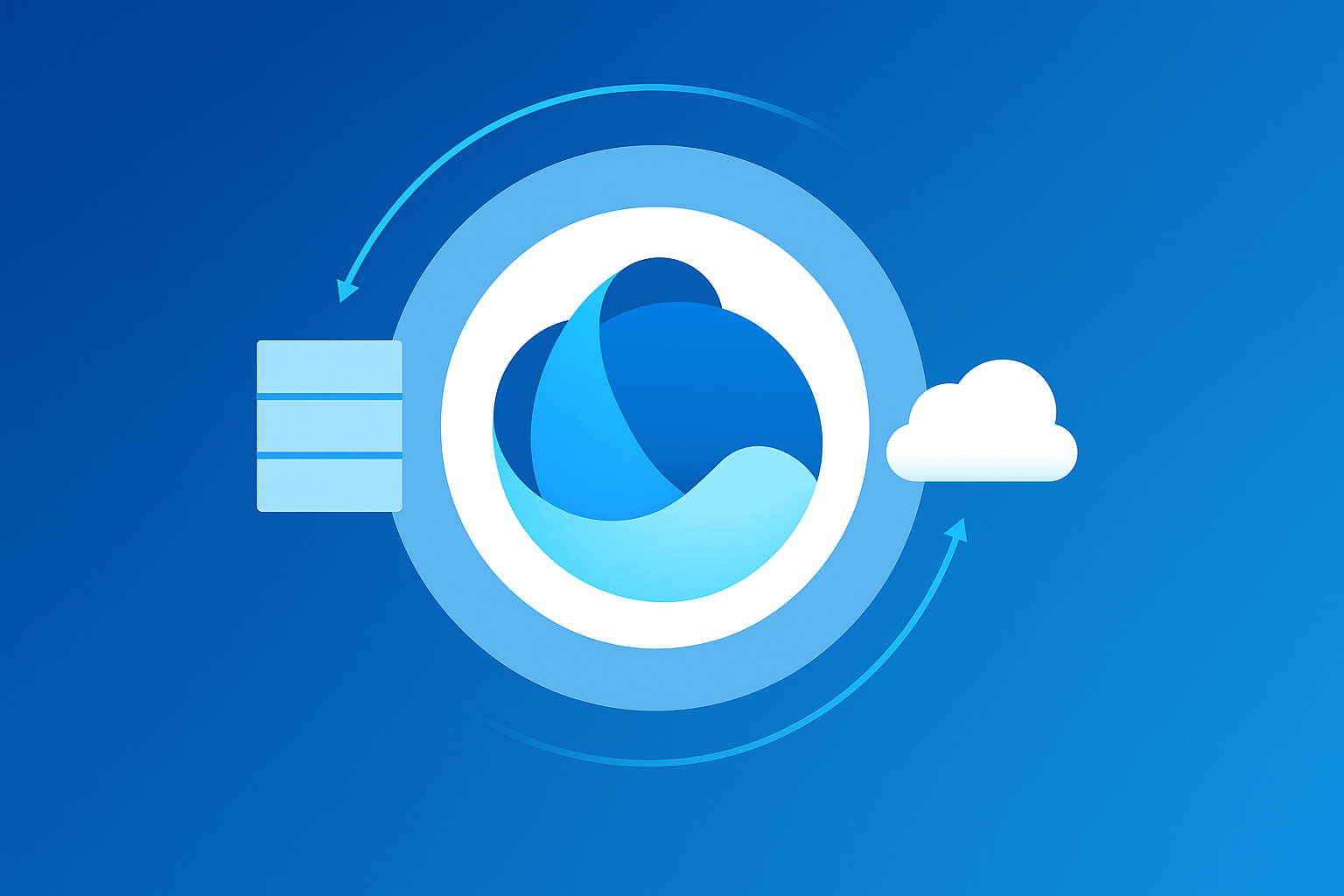
Growing organisations face the challenge of a fragmented data landscape, making it difficult to manage data lakes, warehouses, and silos separately. Data sources are managed by different teams or serve different data analytics engines. This reduces the cost of processing data and obtaining insights while increasing storage costs, undermining data governance due to inconsistencies. Microsoft OneLake in Microsoft Fabric,a logical unified data lake that serves as the foundation of the application.
Want to Understand Microsoft Fabric in Depth First? Check this Out
Challenges of the Traditional Data Lakes:
Data silos persist even within data lakes; also, multiple teams are likely to manage their own parts. This leads to data fragmentation, making data sharing difficult.
Traditional data lakes often require many different tools and technologies, which adds to their complexity. Data is fluid and gets moved around a lot to make it usable for other teams, which creates more complexity. The next challenge is managing security across different tools.
Data redundancy is a significant issue because copies of the same data exist in multiple locations. This leads to storage waste and more confusion. Fragmented data does not fetch results, and it only makes teams struggle to collaborate and share insights. This hurts decision-making.
OneLake provides a unified data lake for the entire organisation, helping eliminate data silos and reduce redundancy. Let us study in detail.
What is Microsoft OneLake?
Microsoft One Lake is a single consolidated data lake for a given business beyond data domains, tools, or user personas. It is a core component of Microsoft Fabric that simplifies and centralises data storage across the entire organisation.
It is built on Azure Data Lake Storage Gen2 (ADLS Gen2) and presented as a logical, organisation-wide data lake rather than a collection of individual storage accounts. Services such as Power BI, Azure Synapse Analytics, and Data Factory are part of a single integrated platform. While each Fabric engine handles its own workloads (BI, warehousing, ML, pipelines), Microsoft OneLake is the shared, central data layer that connects all of them.
This unified data lake helps streamline data management and access, eliminating the challenges posed by traditional siloed storage solutions. Here is a rundown of all its features:
Microsoft OneLake Features:
| Feature | Description |
| Simplified Data Management | Eliminates the need for multiple storage accounts per department, breaking down data silos. This streamlines data sharing and access management under one roof. |
| Data format and efficiency | Stores data primarily in Parquet format for efficient columnar storage. Natively supports Delta Lake to enable ACID transactions, schema evolution, and time travel, enhancing analytical performance. |
| Compatibility with existing systems | Fully compatible with ADLS Gen2 APIs and supports shortcut virtualisation, allowing referencing of data in external storage (e.g., ADLS, Amazon S3) without copying, preserving native formats and reducing duplication. |
| Unified Storage Architecture | By default, it provides a logical namespace for all Fabric services, unifying governance, access control, and format handling across departments and regions. |
| Shortcut-virtualisation | Allows linking to external or other OneLake data locations using shortcuts that provide direct access without data replication, simplifying cross-team collaboration. |
| Security & Governance | Integrated with Microsoft Purview for data discovery, classification, and lineage tracking. Centralised access control uses workspace permissions tied to Microsoft Entra ID. |
| Multi-engine access | Enables concurrent zero-copy data access by multiple Fabric services, including Synapse Data Warehouse, Power BI, Data Science notebooks, and Data Factory. |
OneLake in Microsoft Fabric Also Supports:
- Data science &ML: Fabric AI workloads can directly interact with OneLake without duplication.
- Real-time data processing: Streaming analytics workloads leverage OneLake for continuous data ingestion.
- Cross-Cloud and Hybrid access: Organisations can integrate AWS S3 or on-prem storage without initiating manual migration.
Understanding the Microsoft Lakehouse Architecture:
The Lakehouse architecture in Microsoft Fabric builds on OneLake’s features by providing an integrated platform to manage and analyse both structured and unstructured data in a single location. It allows teams to store, process, and analyse data more effectively. OneLake automatically assigns each fabric tenant to a workspace. Within these workspaces, departments can create one or more Data Lakehouses to store and analyse their data, providing flexibility and scalability for different teams.
Every Lakehouse includes semantic model endpoints and SQL analytics endpoints that support various analysis methods. This helps data engineers and analysts derive insights using their preferred tools and techniques.
Data within a Lakehouse is stored in Delta format, optimised for performance and integration with various data analysis tools. Data from different workspaces is stored in OneLake using Parquet format. This ensures that all departments can easily access the data as and when needed. Lakehouse also integrates with various data engineering frameworks and tools to facilitate data processing and analysis. Meanwhile, OneLake provides a unified storage solution that supports multiple analytics engines, making it easier to conduct complex data analysis across teams.
Enterprise Data Management with OneLake:
OneLake is not Djust a data storage layer but is the cornerstone of Microsoft Fabric. Here is how it works:
| Service | Features and Benefits |
| Power BI (DirectLake Mode) | It enables Power BI datasets to query Delta tables in OneLake directly, bypassing import and refresh cycles. This facilitates significant performance gains on real-time dashboards. |
| Synapse Data Warehouse | Stores tables as Delta Lake files within OneLake, providing warehouse users with Lakehouse capabilities, including transactional integrity and flexibility. |
| Data Factory Pipelines | ETL and ELT pipelines natively read from and write to OneLake, removing the need for complex staging environments and streamlining data workflows. |
| Data Science & ML Workloads | Fabric notebooks access OneLake as their default storage, allowing data scientists to train models directly on data from BI and engineering teams. |
Talk to Kloudify:
OneLake represents a transformative shift in how organisations manage, govern, and harness data. OneLake unifies workloads, breaks down data silos, streamlines analytics, and strengthens governance.
Kloudify is a trusted Microsoft Solutions Partner specialising in Microsoft Fabric implementation for organisations ready to unify their data, analytics, and AI capabilities. With deep expertise across Azure, Power BI, and the Microsoft Data & AI stack, Kloudify delivers end-to-end Microsoft solutions and managed services. Talk to our experts to take this discussion further.